Copyright 2011 – FUJITSU ISOTEC LIMITED
FP-1000 Installation Guide-2 1.1.0.0
37 of 57
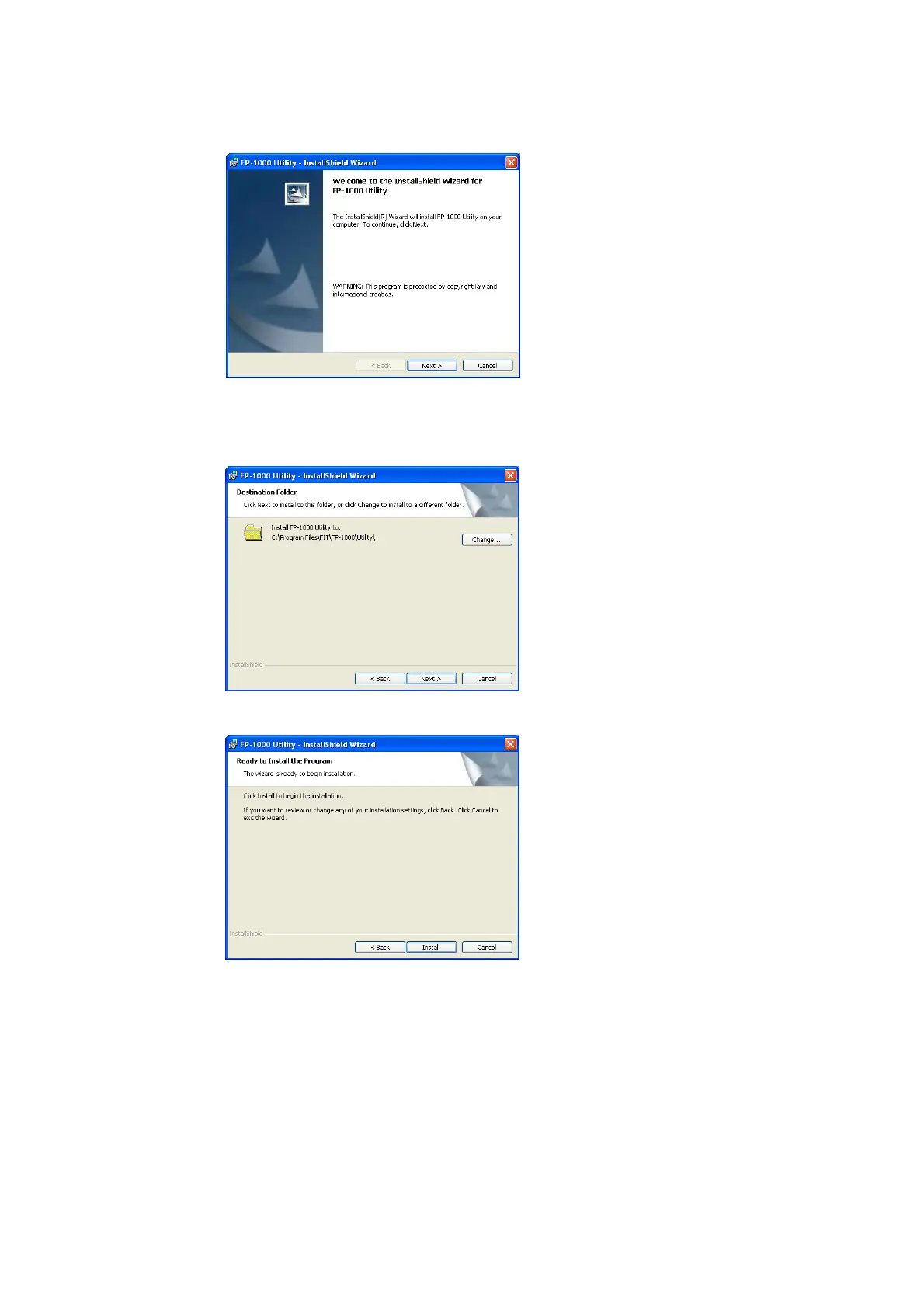
(4)
[Change] and then select a different folder.
Af
(5) Click
(3) Click [Next].
Specify the folder where the software is to be installed.
If you want to change the location, click
ter specifying the folder, click [Next].
[Install].



 To Next Page
 Loading...









