Copyright 2011 – FUJITSU ISOTEC LIMITED
FP-1000 Installation Guide-2 1.1.0.0
28 of 57
3.2.3 How to check the installation
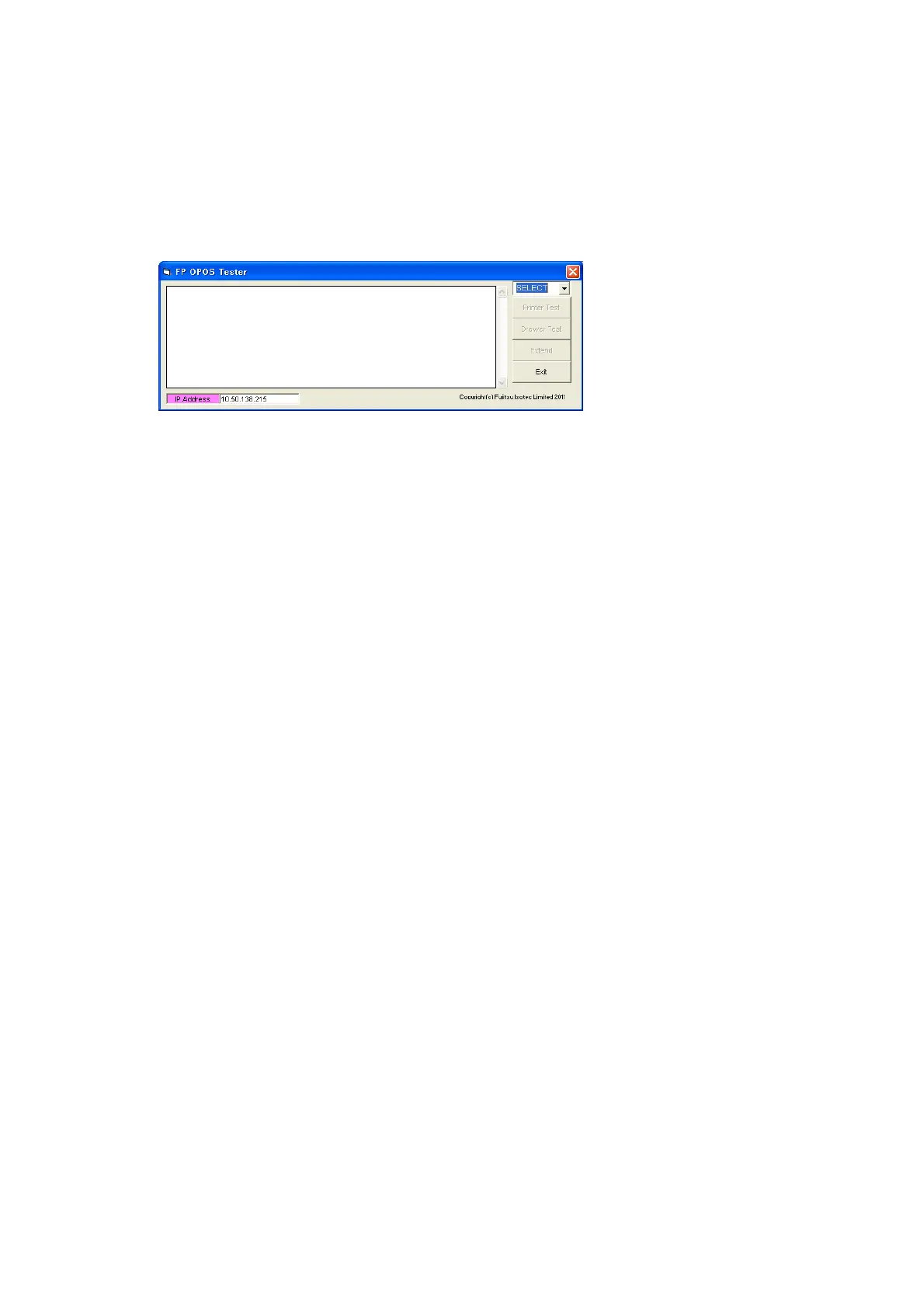
There is a simple OPOS test program in the "\Data\OPOS\FP-1000\en\Sample" folder.
Use it to check the installation.
Run "FP_OPOS_Tester.exe."
• Test procedure
(1) Select an interface.
(2) Click [Printer Test].
• When the test completes correctly, "Test: Success" is displayed.
• "Test: Fail" is displayed if the test fails. In this case, check the printer power and interface and then
reinstall the driver.



 To Next Page
 Loading...









