Copyright 2011 – FUJITSU ISOTEC LIMITED
FP-1000 Installation Guide-2 1.1.0.0
26 of 57
3.2.2 Installation on a 64-bit OS
a) Before starting the installation:
See "a) Before starting the installation" in "3.2.1 Driver installation using the installer."
b) Installation procedure
(1) Run "Setup64.exe" contained in the driver folder ("\Data\OPOS\FP-1000\en\Driver").
(2) The installation screen is displayed.
For the further installation steps, refer to "b) Installation procedure (5) - (9)" in "3.2.1 Driver
installation using the installer."
(3) Run Setup after the installation is completed.
For Windows 7/Vista
• Click the Windows logo button in the lower-left corner of the desktop screen.
• Click [All Programs] [FIT FP Series Printer] [OPOS] [FP Printer OPOS Setup].
For Windows XP/ Server 2008 R2/Server 2008/Server 2003/ WEPOS/WEPOS2009
• Click [Start] [All Programs] [FIT FP Series Printer] [OPOS] [FP Printer OPOS Setup].
For Windows 2000
• Click [Start] [Programs] [FIT FP Series Printer] [OPOS] [FP Printer OPOS Setup].
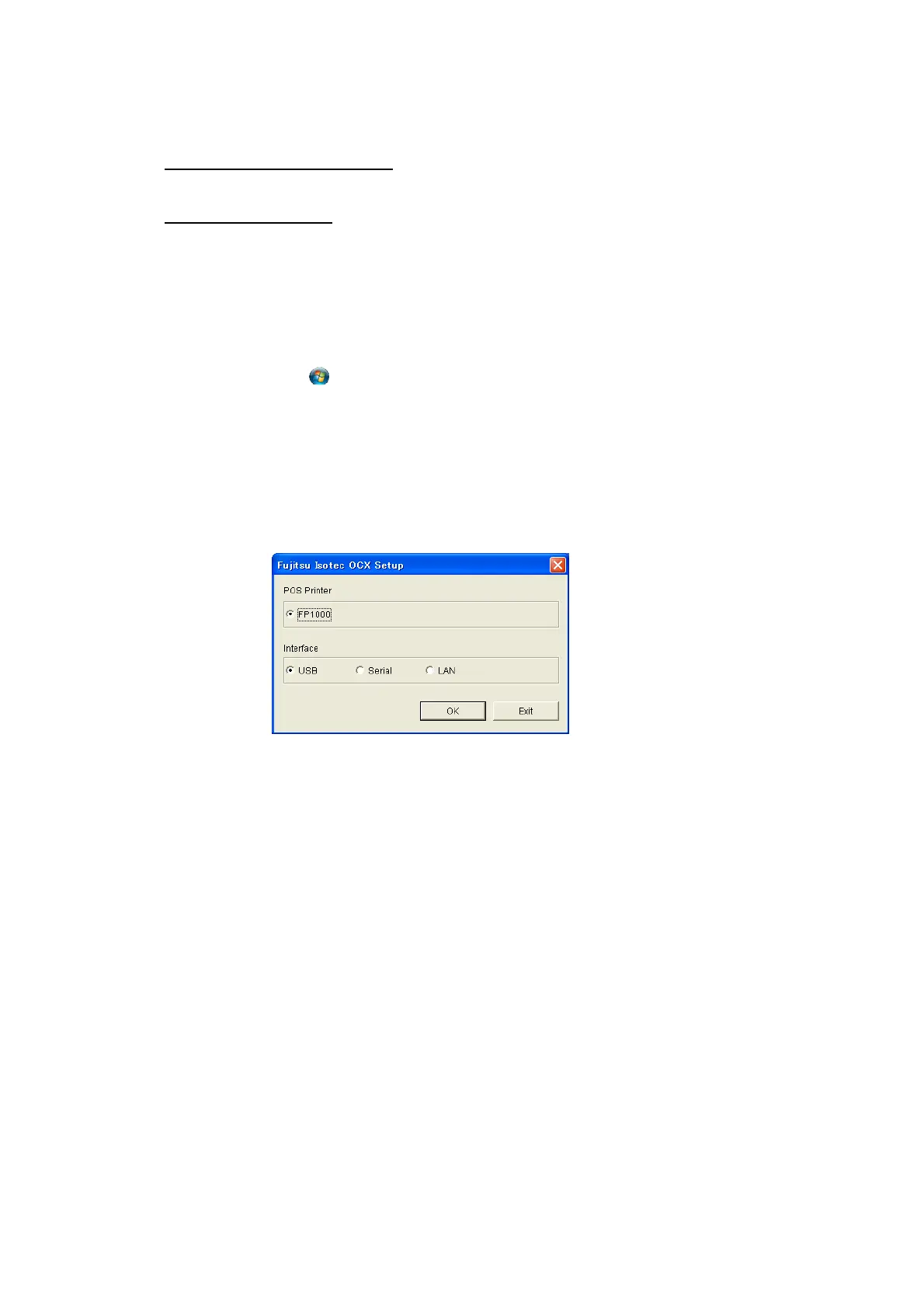
(4) Running Setup displays the following screen. Select the interface you intend to use.



 To Next Page
 Loading...









