Copyright 2011 – FUJITSU ISOTEC LIMITED
FP-1000 Installation Guide-2 1.1.0.0
43 of 57
7.4 Uninstallation
a) Before starting the uninstallation:
• To uninstall, you must log on using an account with Administrative privileges.
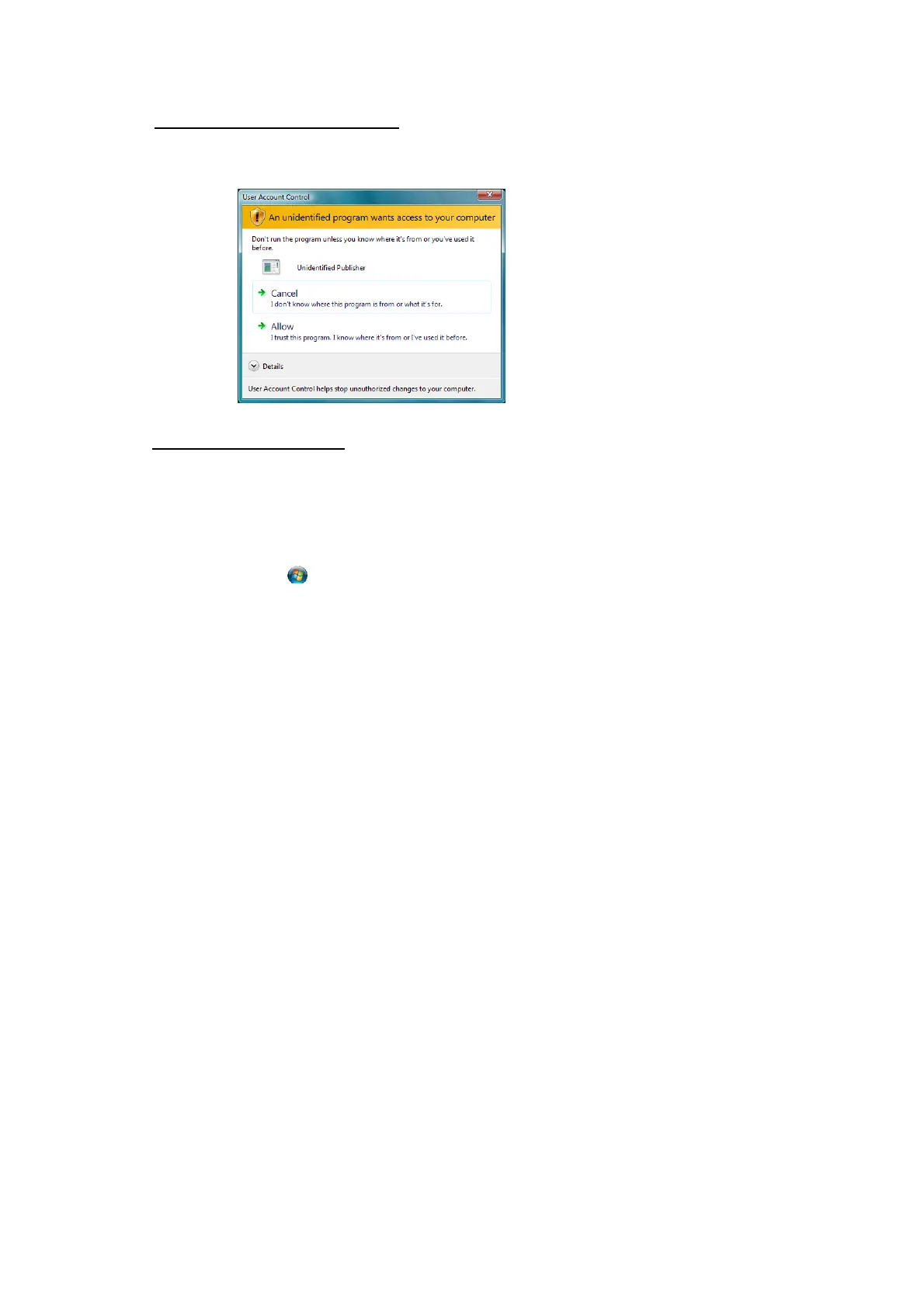
• If the [User Account Control] dialog box is displayed, click [Allow].
b) Uninstallation procedure:
(1) Close Status Monitor. (Exit the monitor in the task tray.)
(2) Use the following procedures to open the Uninstall screen.
For Windows 7/Windows Vista
• Click the
Windows logo button in the lower-left corner of the desktop screen.
• Click [Control Panel] [Uninstall a program].
For Windows Server 2008 R2/Windows Server 2008
• Click [Start] [Control Panel] [Uninstall a program].
For Windows XP/Windows Server 2003/WEPOS/WEPOS2009
• Click [Start] [Control Panel] [Add or Remove Programs].
For Windows 2000
• Click [Start] [Settings] [Control Panel] [Add / Remove Programs].
(3) Select "FP-1000 StatusMonitor" and then click [Uninstall] or [Remove].
* Uninstalling this software does not uninstall the printer driver.



 To Next Page
 Loading...









