48 / 125
Printed characters may not be completely formed if paper residue, dust, or
a similar material is present. To ensure proper printing, remove any paper
residue and dust on the paper holder, paper transport components, platen
roller, and surface of the thermal head. Cleaning is required monthly.
Before starting cleaning, turn off the printer power switch.
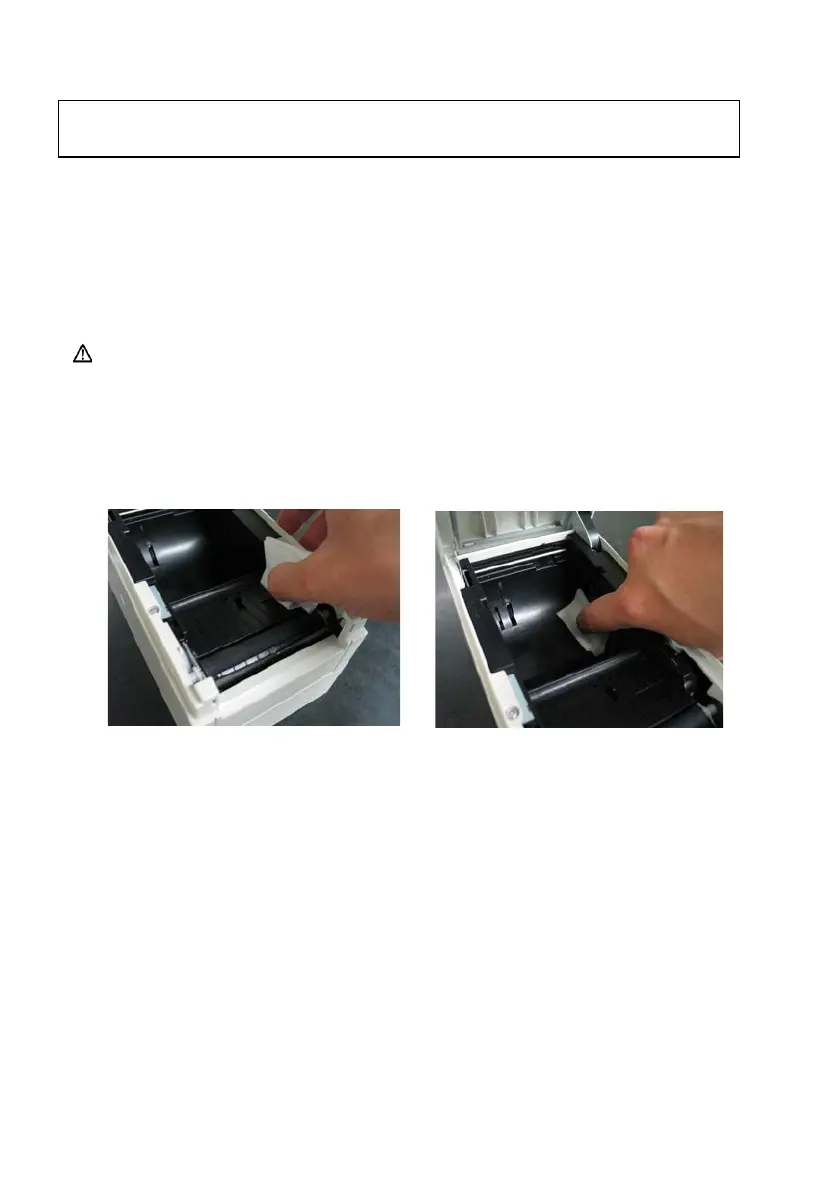
8-1. Cleaning the Paper Holder and Paper Transport
With a dry soft cloth, wipe the paper holder and paper transport to
remove dust, paper particles, adhesive, and other foreign matter.













 To Next Page