84 / 125
Appendix C: Special Modes
With paper inserted in the printer, turn off the printer power switch once,
and turn on the switch again while holding down the FEED switch on the
control panel. Then, the data shown below is printed. When "TEST PRINT" is
printed, press and hold down the FEED switch for one second or longer to
start test printing.
After printing a certain amount of data, the printer automatically cuts the
paper and ends the test printing. To terminate test printing in progress, press
the FEED switch. Then, the printer cuts the paper and terminates the test
printing.
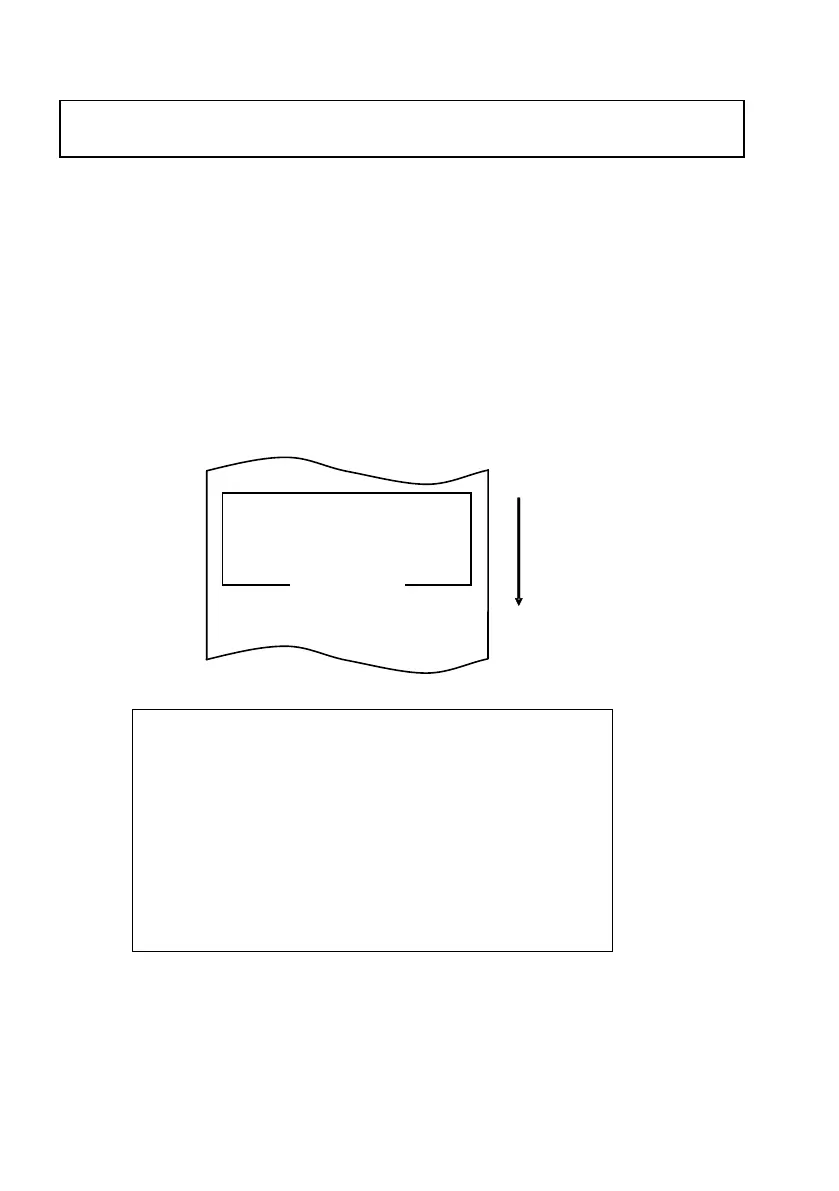
Test printing
Sample test printout
Firmware Number KA02041-JXXX
Firmware Version xxx (0xxxxxx)
POWER ON STATUS ENABLE
RECEIVE BUFFER 4K BYTE
BUSY CONDITION BUFFERFULL
RECEIVE ERROR ?PRINT
AUTO LF DISABLE
DSR(#6) RESET DISABLE
・
・
Appendix C: Special Modes
ITEM SELECTION :FEED switch pushed short.
ITEM DECSION :FEED switch pushed short.













 To Next Page