EasyManua.ls Logo

Fujitsu FP-510 - Page 92

Fujitsu FP-510
126 pages
Print Icon
To Next Page IconTo Next Page
To Previous Page IconTo Previous Page
Loading...
91 / 125
6. Select "PRINT DENSITY" as your option.
Press the FEED switch briefly (one second or less) four times to move to
"PRINT DENSITY."
Then, press and hold down the FEED switch for one second or longer to
accept the selection.
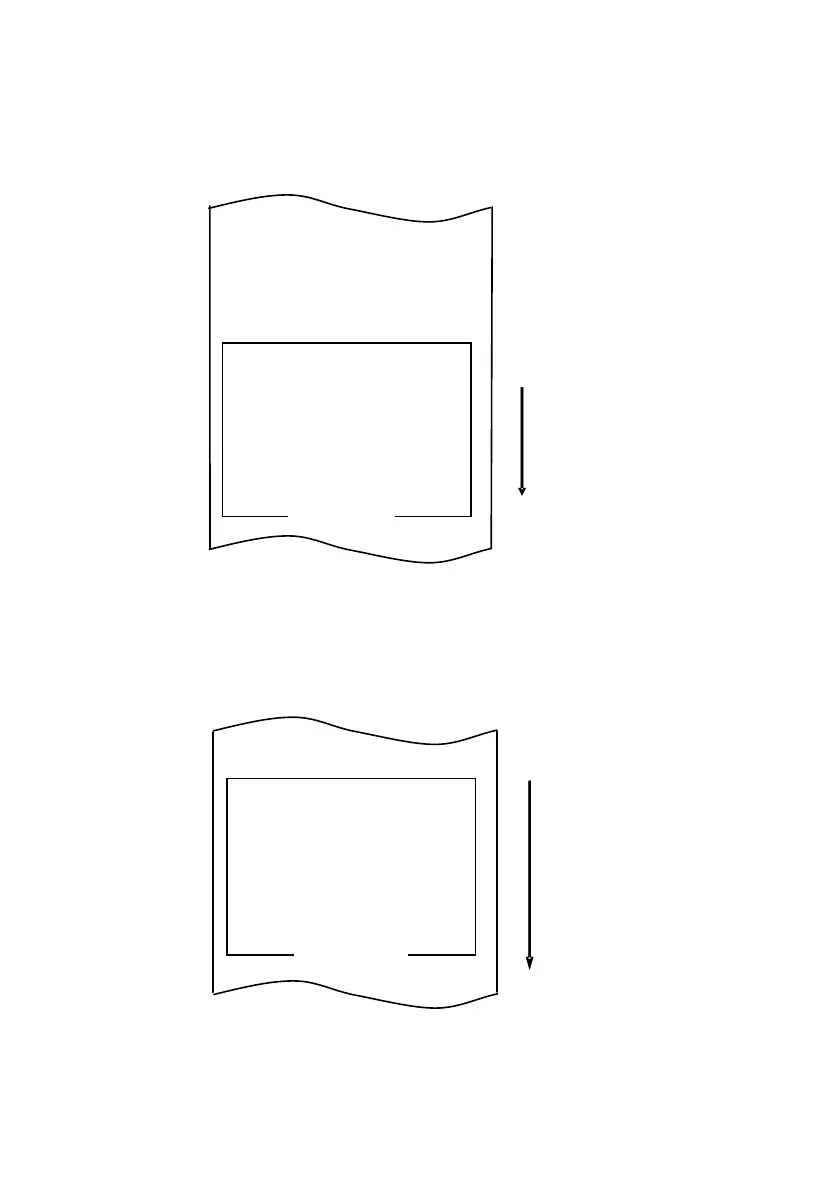
The printer prints the following when you accept the selection of "PRINT
DENSITY":
Paper feed direction
PRINT DENSITY
100%
PRINT DENSITY 130%
PRINT DENSITY 125%
PRINT DENSITY 120%
PRINT DENSITY 115%
PRINT DENSITY 110%
PRINT DENSITY 105%
PRINT DENSITY 100%
PRINT DENSITY
95%
PRINT DENSITY 90%
PRINT DENSITY 85%
PRINT DENSITY 80%
PRINT DENSITY 75%
PRINT DENSITY 70%
SELECTION ITEM
Paper feed direction
PRINT DENSITY
PRINT COLOR
PRINT WIDTH
NV GRAPHIC MENORY
USER NV
MEMORY
RETURN TO SETUP MENU
RETURN TO UP
TOF AT AUTO LOGO
LOW POWER
SPEED AT GRAYSCALE
MAX SPEED
BK
DENSITY (2COLER)
GRAYSCALE DENSITY
PRINT DENSITY
PRINT COLOR
PAPER WIDTH
NV GRAPHIC MENORY
USER NV MEMORY
SELECTION ITEM

Related product manuals