Operation
Calling the PXE system boot configuration m enu
► Press the key combination
↑
+
F10
while Realtek RTL8139(X)/8130/810X Boot Agent is
displayed.
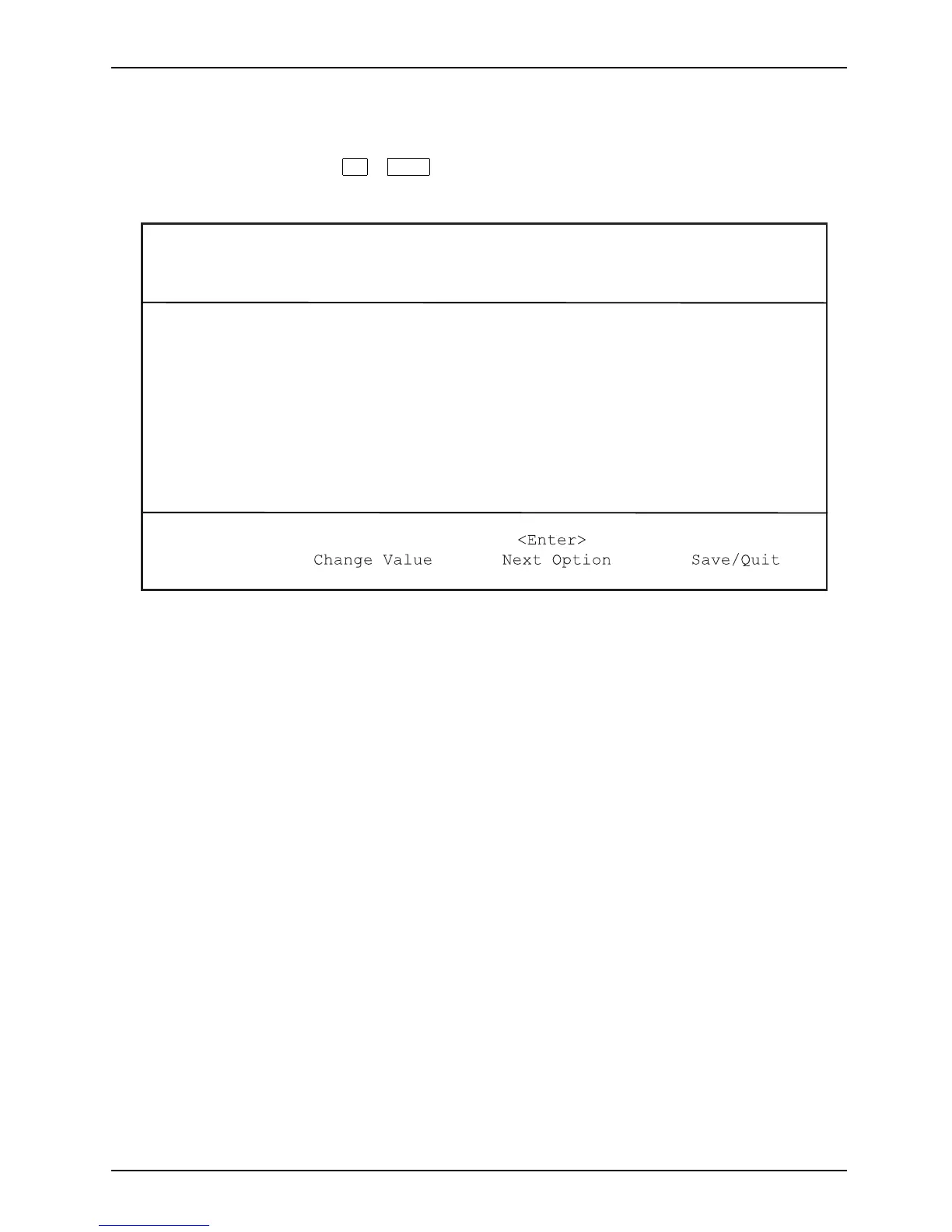
The following or a similar display appears on the screen:
Realtek RTL 8139 / 8130 / 810x BOOT Agent
Configuration Menu v2.13
Network Boot Protokol PXE [RLP]
Boot Order Int19h [PnP/BEV(BBS)
/ROM Disabled/
Int18h]
Show Config Message Enable [Disable]
Show Message Time 3 Seconds [5 / 8]
<ESC> <Space> <F4>
Quit
Configuration menu s
creen.
The following settings are possible:
Network Boot
Protocol:
PXE (standard)
or RPL
Specification of the system boot protocol used.
Boot Order: Int 19h
The network is always started first before the local
devices are activated.
PnP/ BEV (BBS)
If a BBS-BIOS (BIOS Boot Specification) exists,
the system is started by the BBS-BIOS.
ROM Disabled
The entire mechanism for the system boot is
deactivated. The system can only be activated via
the loca l devices.
Int 18h
The devices set in BIOS Setup are enabled.
Show Config
Message:
The following message can be activate d or deactivated during the
system b oot:
Realtek RTL8139(X)/8130/810X Boot Agent Press Shift-F10
to configure …….
Show
Message
Time:
Indicates the time in seconds for which the following messa ge is
displayed during the system boot:
Realtek RTL8139(X)/8130/810X Boot Agent Press Shift-F10
to configure …….
The settin gs are not effective until after saving and another PXE system boot.
Fujitsu Technology Solutions 19



 To Next Page