Your FUTRO...
Your FUTRO...
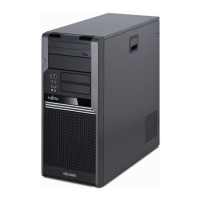
…is a universal network client. The intelligent and flexible terminal is reliable and easy
to maintain. The thin client requires no fan and no hard disk. It therefore runs very
quietly. The operating system is installed on a compact flash.
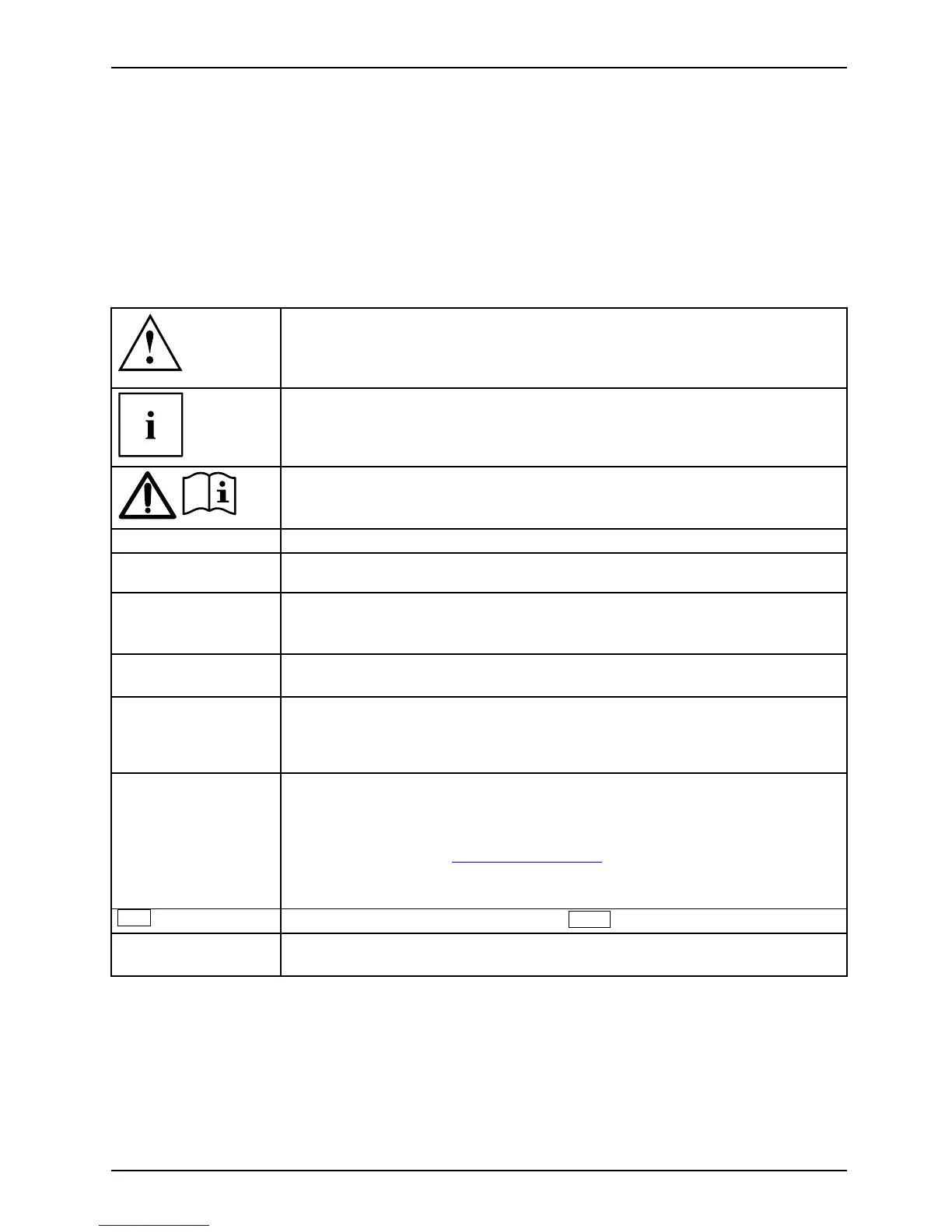
Notational conventions
Pay particular attention to text marked with this symbol. F ailure to observe
these warnings could pose a risk to health, damage the device or lead
to loss of data. The warranty will be invalidated if the device becomes
defective through failure to o bserve these warnings.
Indicates important information for the proper use o f the device.
Indicates instructions displayed on the d evice. Failure to observe them will
endanger your health or lead to physical damage.
►
Indicates an activity t
hat must be performed
Indicates a result
This font
indicates data entered using the keyboard in a program dialogue or at
the comma nd line, e.g. your password (Name123)oracommandusedto
start a program (start.exe)
This font
indicates informatio
n that is displayed on the screen by a program, e.g.:
Installation is comp
lete.
This font
indicates
• terms and texts used in
a software interface , e.g.: Click on Save
• names of programs or files, e.g. Windows or setup.exe.
"This font"
indicates
• cross-references t o another section, e.g. "Safety information"
• cross-refe renc es to a
n external source, e.g. a web address: For more
information, go to "
ht
tp://ts.fujitsu.com"
• Names of CDs, DVDs and titles or designations of other m a terials, e.g.:
"CD/DVD Drivers & Utilities" or "Safety" Manua l
Key
indicates a k e y on the keyboard, e.g:
F10
This f ont
indicates terms and texts that are emphasised or highlighted, e.g.: Do
not switch off the device
Fujitsu Technology Solutions 5



 To Next Page