Getting Started
Chapter 6 Softune Workbench Getting Started
MCU-AN-391005-E-V17 - 28 - © Fujitsu Microelectronics Europe GmbH
Now open the file “Led.wsp” also with a text editor.
Do the following changes:
[PrjFile]
Count=1
FILE-0=Template.prj → FILE-0=Led.prj
ActivePrj=Template.prj → ActivePrj=Led.prj
[SubPrj-Template.prj] → [SubPrj-Led.prj]
Like in the Prj-File, you have to set your correct project folder path in the “WSP=” line:
[DirInfo]
WSP=C:\
Now save and close the file also as a normal text file.
The new project environment is now adjusted.
6.3 Opening the Softune Workbench
Now you can open the Softune Workbench. For installation of this tool please refer to the
Installation Guide App. Note.
Choose the Menu F
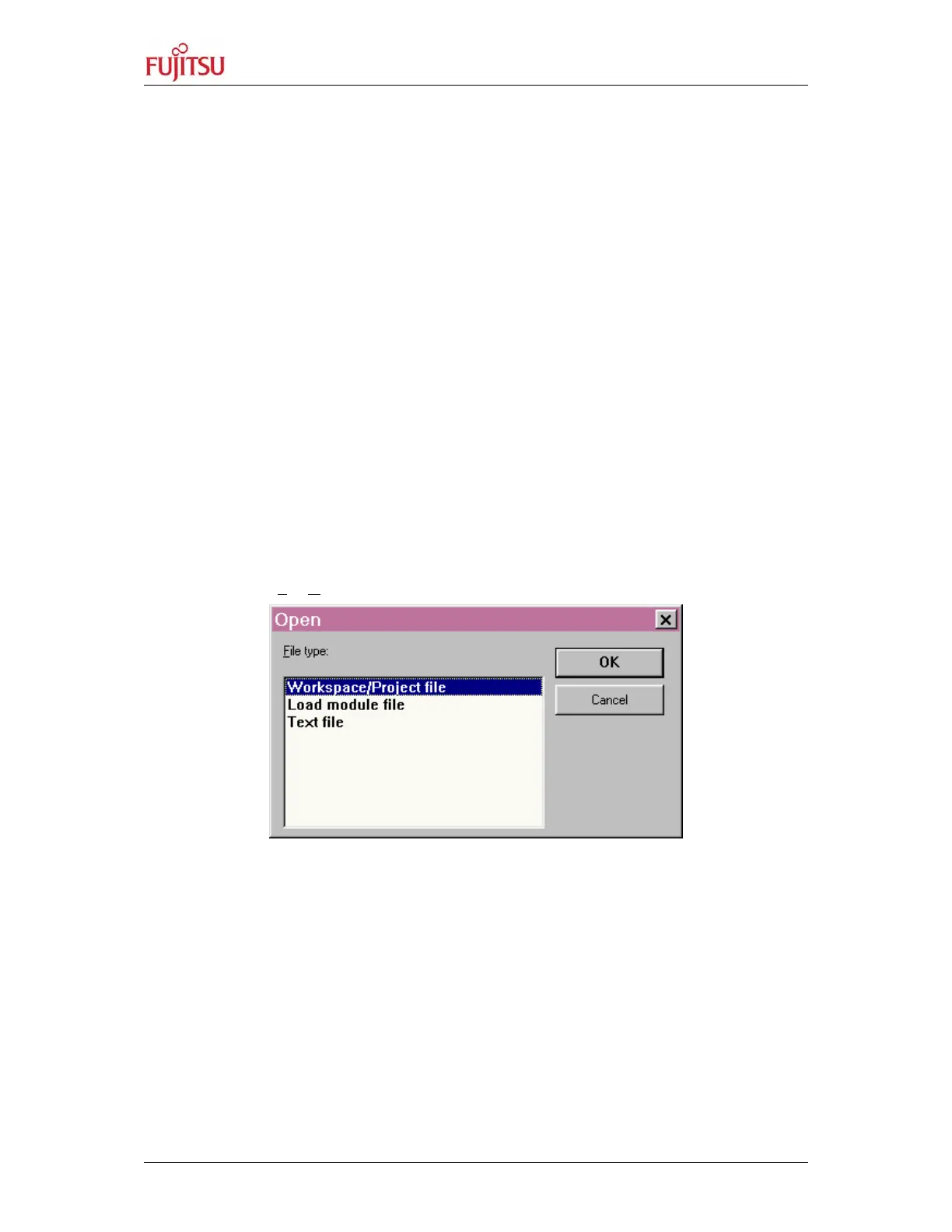
ile/Open. The following pop up window will occur:
Figure 16: Open a Workspace
Click “OK” for “Workspace/Project file”, and then browse to the file “Led.wsp”. Open it.


 To Next Page