210
<Scanning>
Operation
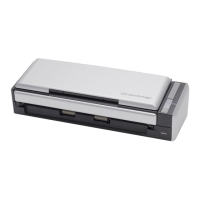
1. Load the document onto the ScanSnap.
2. Press the [SCAN] button .
⇒ Scanning starts.
⇒ When scanning is complete, ScanSnap Organizer is opened and the scanned document
images are displayed as thumbnails.
HINT
When [Use Quick Menu] is marked, the ScanSnap Quick Menu is displayed
when scanning is complete. In this case, select [Save with ScanSnap
Organizer] in the ScanSnap Quick Menu.
HINT
Scanned document image files are saved in [My ScanSnap folder], which is
specified on the [General Settings] tab of the "ScanSnap Organizer - Options"
window.
* The destination folder is initially set to the [My ScanSnap] folder under [My
Documents].
(The [ScanSnap] folder in Windows Vista.)
* The destination folder cannot be changed via ScanSnap Manager.



 To Next Page
 Loading...