30
3.1 Flow of Operations
This section describes the flow of operations starting with the scanning of documents on the
ScanSnap to the saving of scanned images in PDF format.
■ Basic Flow of Operations
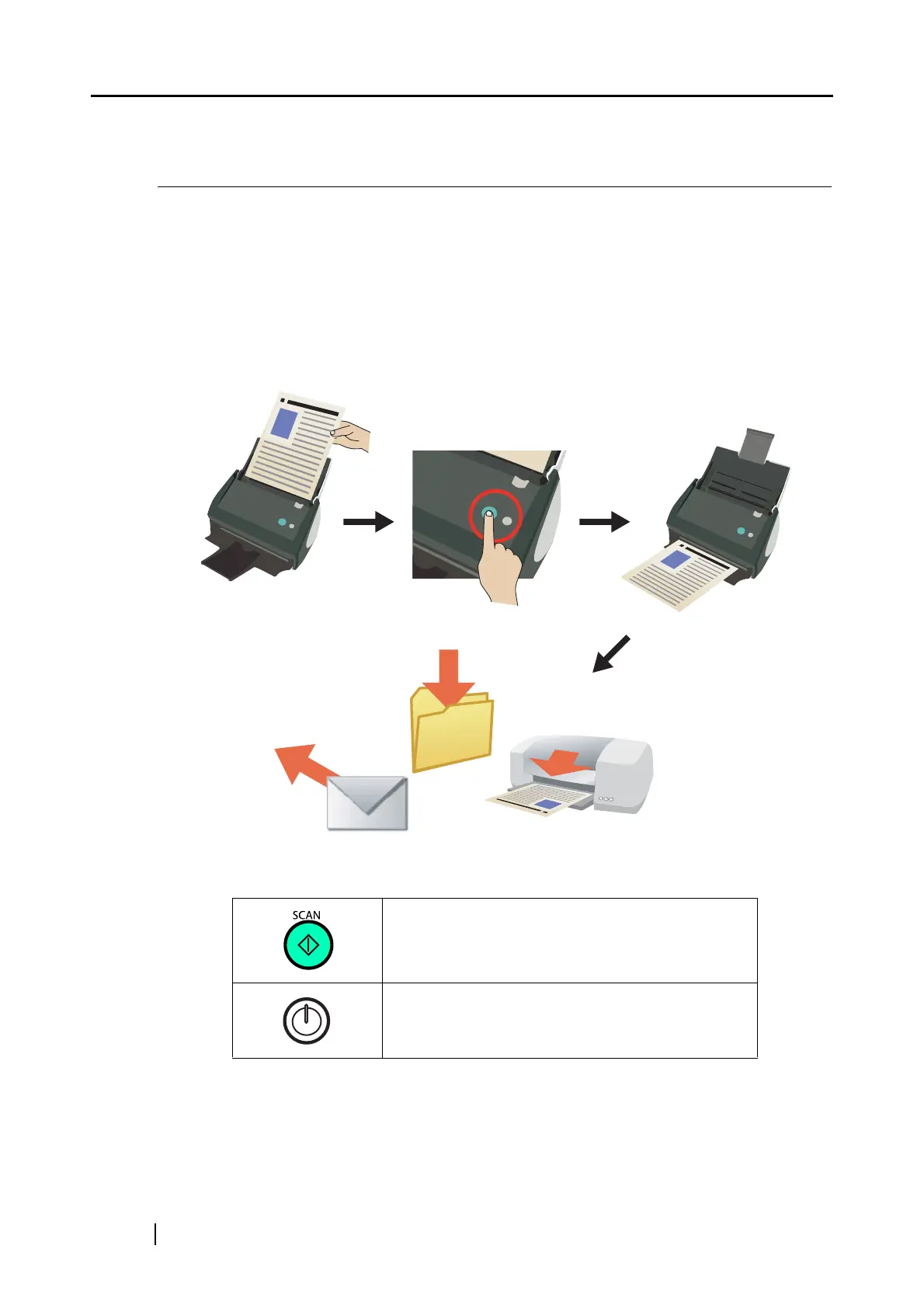
With the document loaded on the ScanSnap, simply press the [SCAN] button, and you can save the
scanned documents to files, attach them to e-mail, and print them with the printer.
The ScanSnap has two buttons as follows:
Simply press this button to scan the document.
To turn on/off the ScanSnap, press this button.



 To Next Page
 Loading...