24
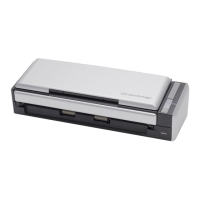
3. Open the paper chute of ScanSnap.
⇒ ScanSnap is automatically turned on and detected by your personal computer.
Operation
4. The ScanSnap is added as new hardware.
How to add hardware varies depending on the operating system running on your computer.
■ Windows 2000
The "Digital Signature Not Found" dialog box appears. Click the [Yes] button.
HINT
Press [POWER] button, if the scanner power is not turned ON after opening the
paper chute.
Paper chute



 To Next Page
 Loading...