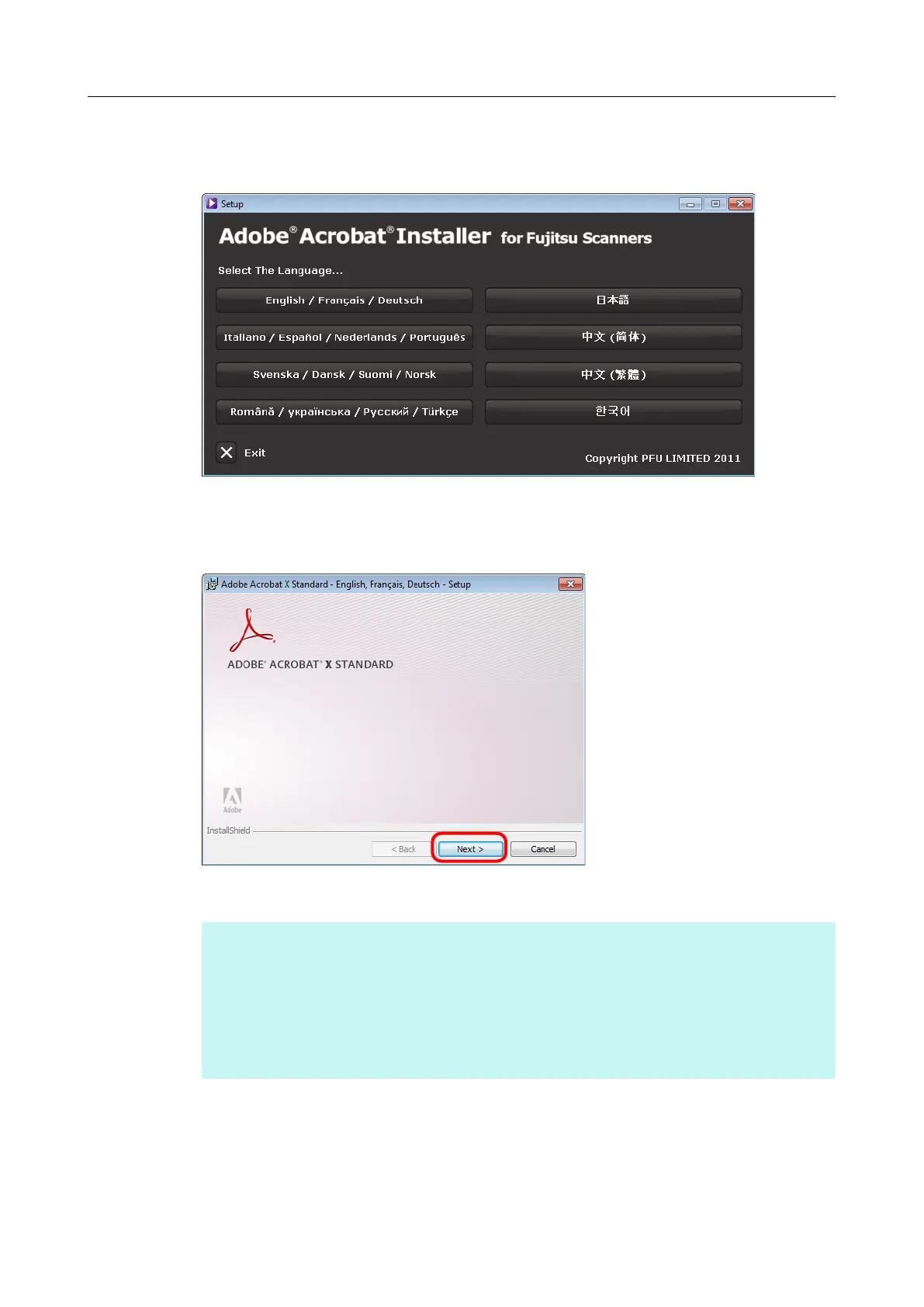
3. Click the button for the same language as your operating system for [Select
The Language].
aThe Adobe Acrobat X Standard setup dialog box appears.
4. Click the [Next] button.
5. Follow the instructions on the screen to complete the installation.
HINT
● For details about the installation of Adobe Acrobat, refer to "Readme" included on the Adobe
Acrobat DVD-ROM.
To open Readme, open the file below via Windows Explorer.
DVD-ROM drive:\ReadMe.htm
● For details about how to use Adobe Acrobat, refer to the Adobe Acrobat Help.
6. When the installation is complete, remove the Adobe Acrobat DVD-ROM
from the DVD-ROM drive.
Installing in Windows
56


 To Next Page
 Loading...














