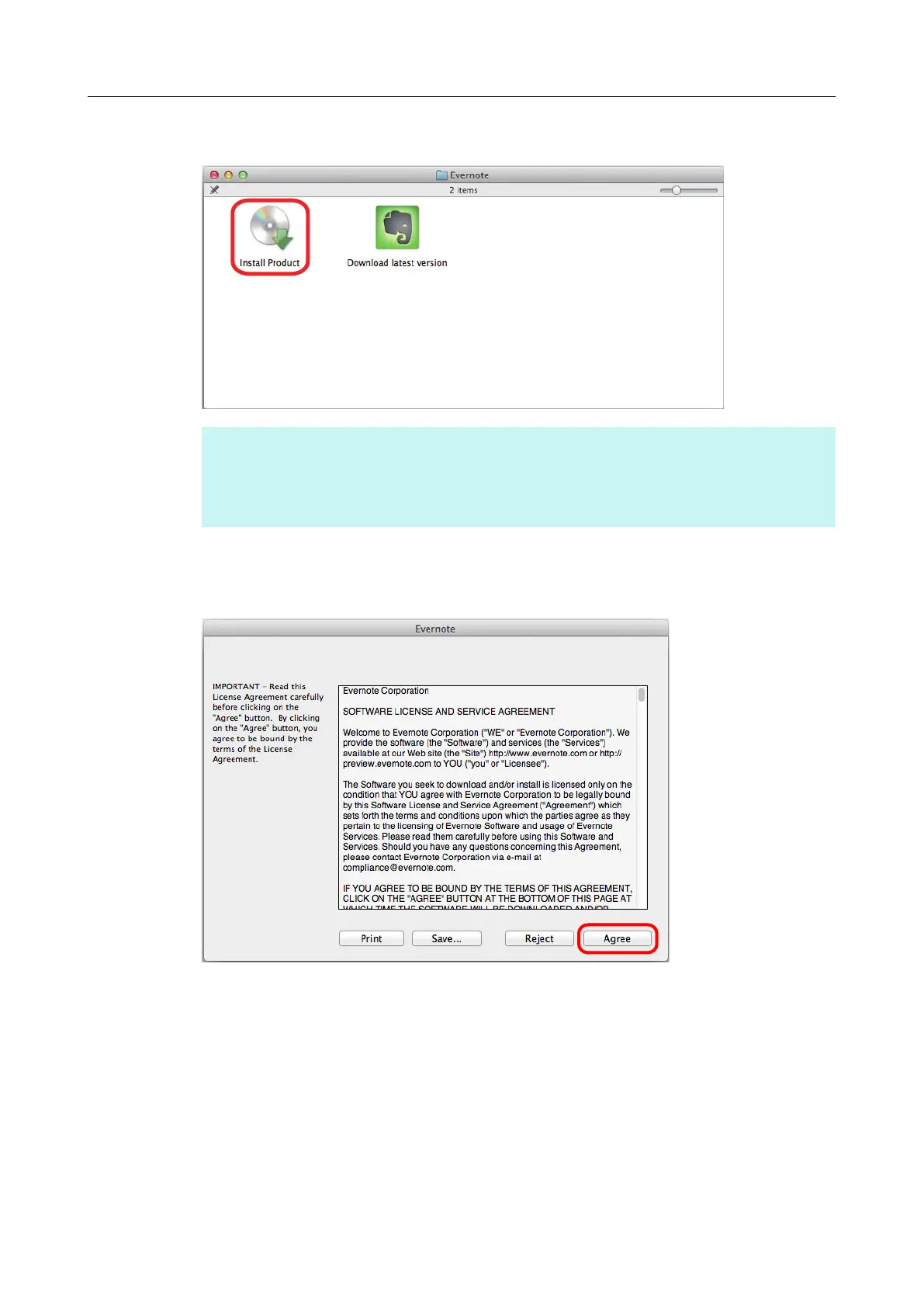
5. Double-click the [Install Product] icon.
HINT
If you require the latest version of Evernote for Mac, double-click the [Download latest version] icon.
A web browser starts up and the Evernote for Mac download web page opens. Download and
install Evernote for Mac.
aA confirmation message appears.
6. To accept the license agreement, click the [Agree] button.
aA window to start installing Evernote for Mac appears.
Installing in Mac OS
69



 To Next Page
 Loading...













