2.1 Installing ScanSnap
ScanSnap S500M Operator's Guide 11
Connecting ScanSnap
2
■ Installing ScanSnap Manager
follow the procedure below to install ScanSnap Manager.
Operation
1. Insert the "ScanSnap Setup CD-ROM" into the CD-ROM drive.
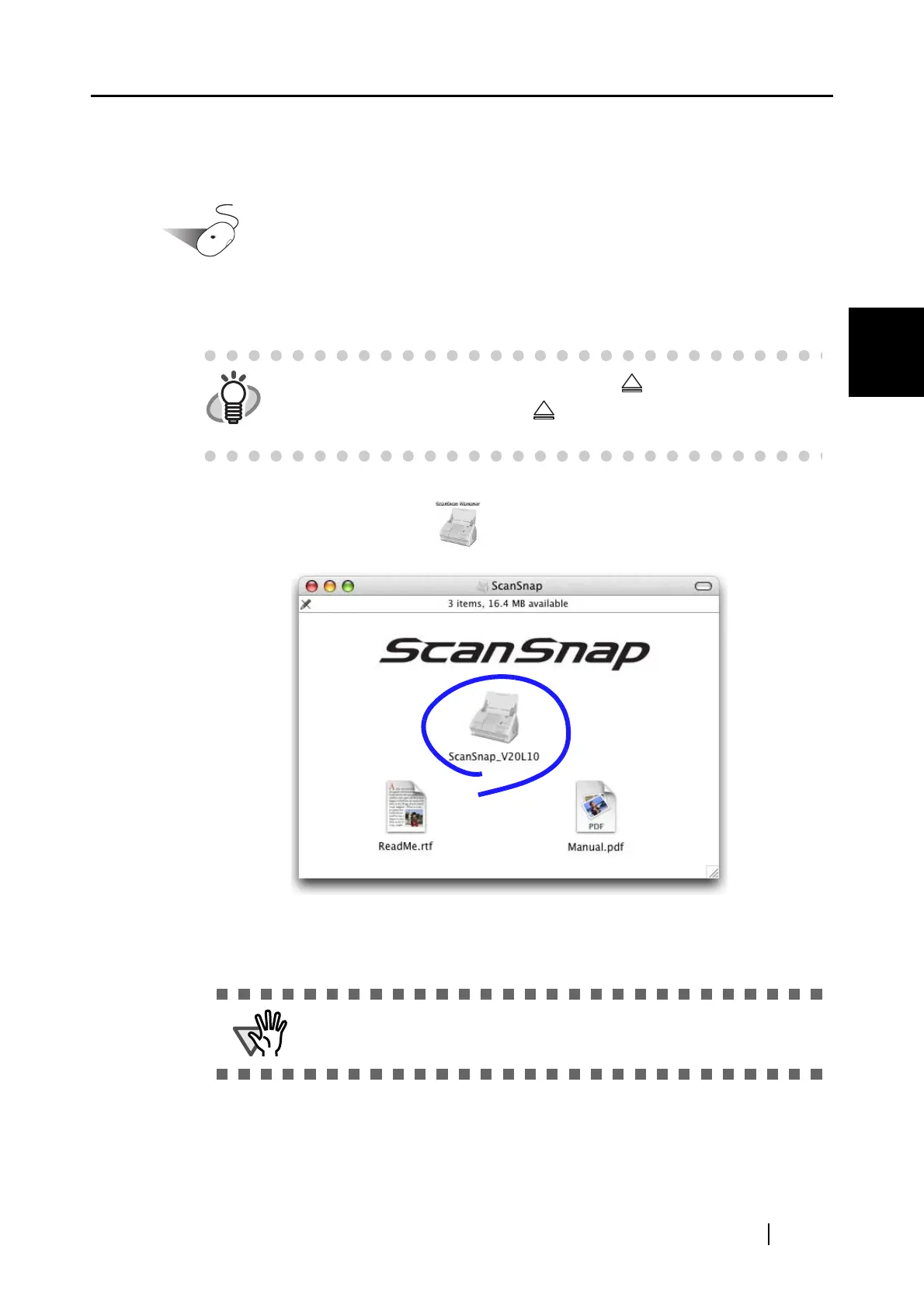
⇒ The "ScanSnap" window appears.
2. Double-click the ScanSnap icon .
1) With Mac OS X v10.2
⇒ The "Welcome to ScanSnap Manager Installer" window appears.
HINT
To open the CD tray or to eject a CD, press the button on the keyboard.
If the keyboard does not have the button, press and hold down the
[F12] key instead.
ATTENTION
With Mac OS X v10.2, a window may appear to require your password.
In this case, type the password with Administrator right.



 To Next Page
 Loading...












