3.4 Changing Scan Settings
ScanSnap S500M Operator's Guide 51
Basic Scanner Operations
3
HINT
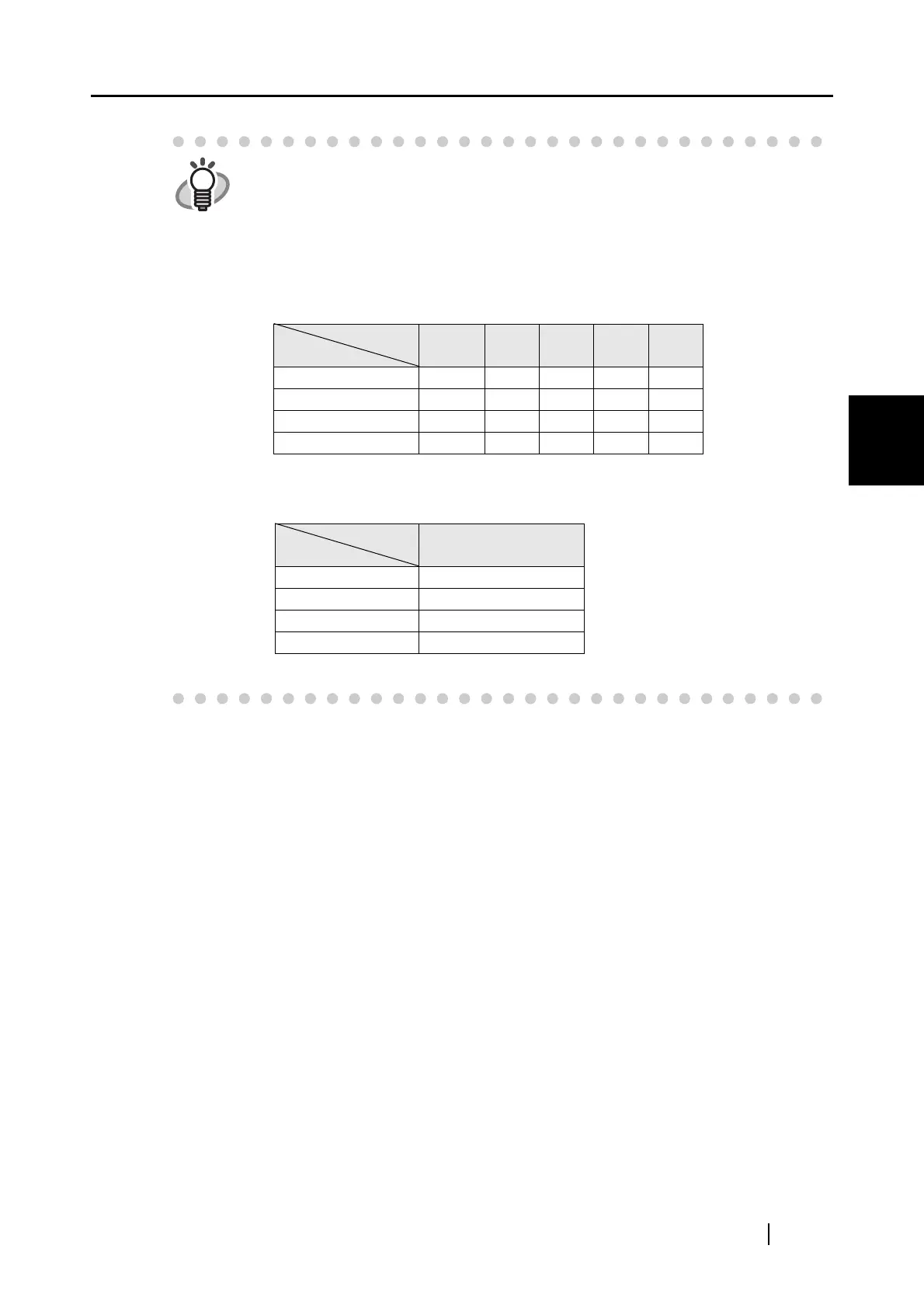
Image data size
The following table shows rough estimates of sizes of generated images
when a single-sided color document is scanned in respective modes.
File type: PDF
Paper size: A4 (Brochure)
Color mode: Color
Color mode: B&W
(unit: K bytes)
Compression
rate
Scan mode
1 2 3 4 5
Normal quality 1240 521 431 332 233
Better quality 2079 818 684 528 367
Best quality 4030 1485 1245 922 632
Excellent quality 11207 3776 3155 2437 1648
Compression
rate
Scan mode
-
Normal quality 200
Better quality 242
Best quality 422
Excellent quality 1391



 To Next Page
 Loading...












