7.3 Replacing the Pick Roller
ScanSnap S500M Operator's Guide 101
Replacing Consumables
7
7.3 Replacing the Pick Roller
Replace the Pick roller following the procedure below.
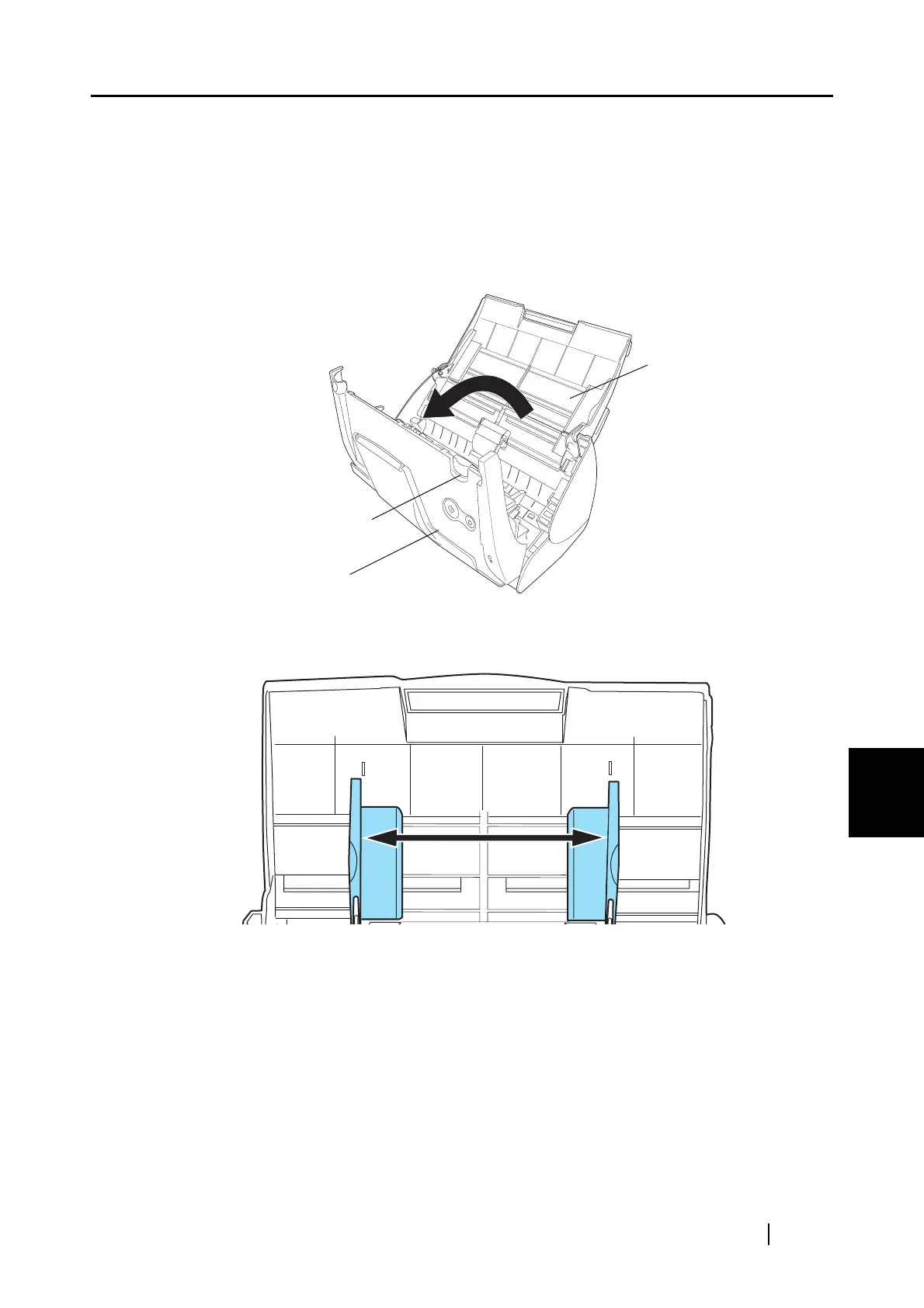
1. Remove the documents on the paper chute.
2. Open the ADF while pulling the cover open lever.
3. Adjust the Side guide to the "A5" size.
ADF
Cover open lever
Paper chute
A5
A5



 To Next Page
 Loading...












