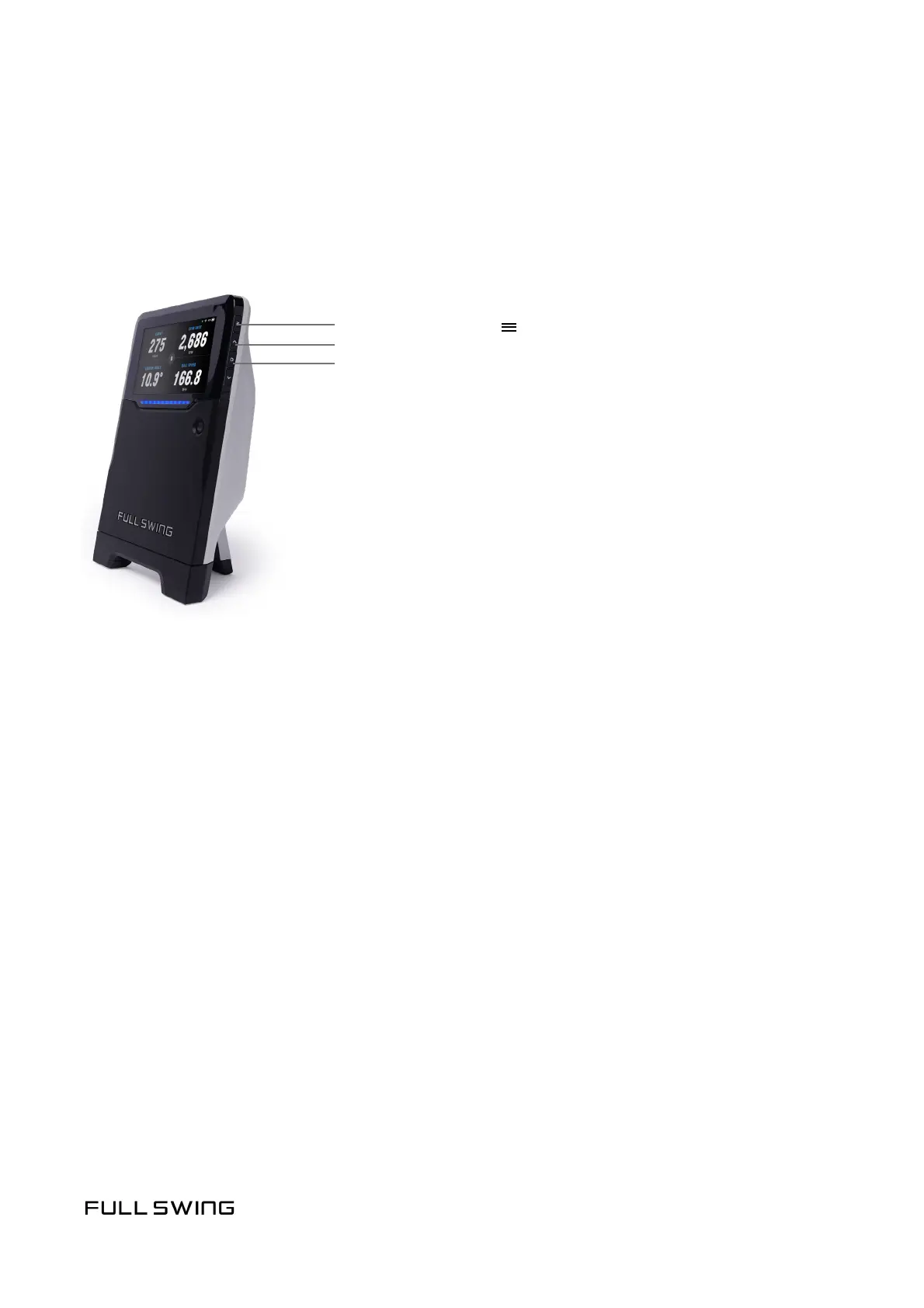
Navigate through the KIT features using the main menu.
Note: Some features may not be available if the app is connected to the unit.
Conrm the app is not connected to use the following features.
Select a golf club from the available clubs.
The target line is a straight line between the KIT and the intended target.
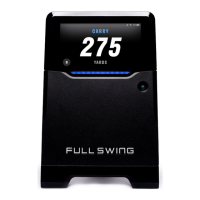
There are two data views available on the KIT:
• 1 Per Page
• 4 Per Page
Note: During a session, use the up and down buons to scroll through dierent
data view pages.
Press the menu buon ( ) to go back
Press the arrow buons ( ) to scroll through menu options
Press the circle buon (O) to select a menu opon
^
^
MAIN MENU
SELECT CLUB
SET TARGET LINE
DATA VIEWS


 To Next Page