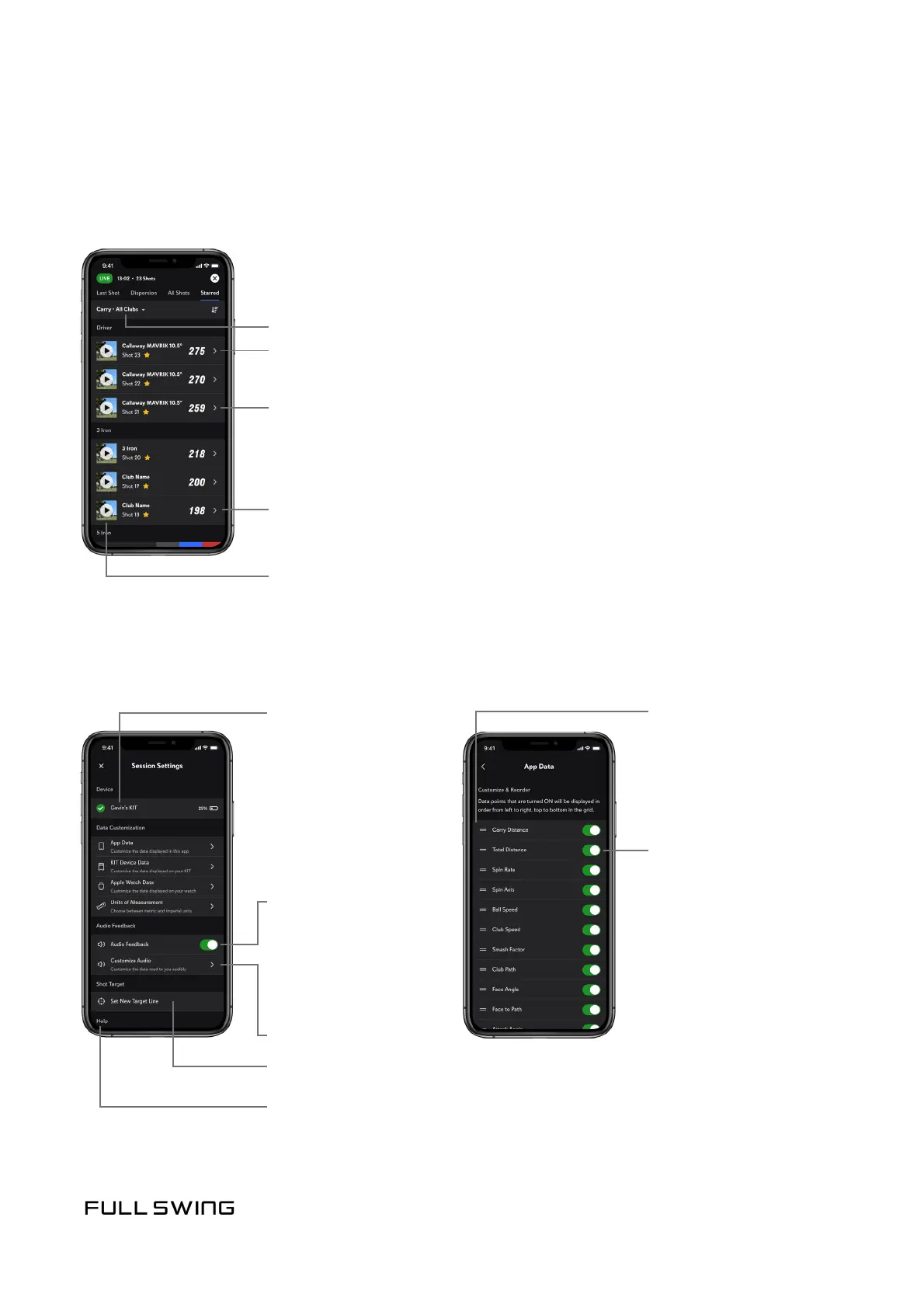
STARRED TAB
SESSION SETTINGS
Starring a shot permanently saves session videos to the user account. Use the Starred tab
to view all the starred shots from a session.
Use the Session Sengs tab to personalize individual sengs during a session.
Change selected data point or Club Category
Data Customizaon
opons:
Tap to turn data points
on or o
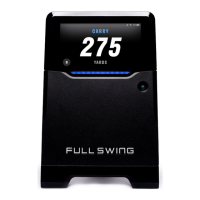
Connected KIT
with baery indicator
Tap, hold, and drag to
reorder data points
displayed
Session averages for a selected data point
• KIT Device Data
• App Data
Tap the thumbnail to play back video
• Apple Watch Data
Swipe to un-star, edit club, or delete shot
• Units of Measurement
Temporarily turn all
audio playback on or o
using the Audio Feedback
switch on the Session
Sengs screen
Set New Target Line
Audio Feedback opons
Tap to view all data points for the shot
Customize Audio
Review KIT Device
Placement Instrucons


 To Next Page