Use these steps to create an account on the app.
1. Open the app, then click the Create a Full Swing Account buon.
2. Enter the requested user informaon in the elds.
3. Click the Create Account buon.
Note: A screen with the message Please Check Your Email opens and directs the user
to conrm the email.
4. Open the email account, then click the Verify Email link.
Note: If no email arrives, return to the app, click the Re-send link, and follow the prompts.
5. Return to the app.
Note: A screen with the message Welcome to Full Swing! opens.
6. Follow the prompts to complete the prole setup.
CREATE A FULL SWING ACCOUNT
Use these steps to pair the KIT with the mobile device.
1. Conrm the KIT is plugged in and charging, but do not power on at this me.
Powering on the KIT occurs later.
2. In the Pair Device screen, tap the Find Devices buon.
3. Follow the onscreen instrucons to pair the KIT.
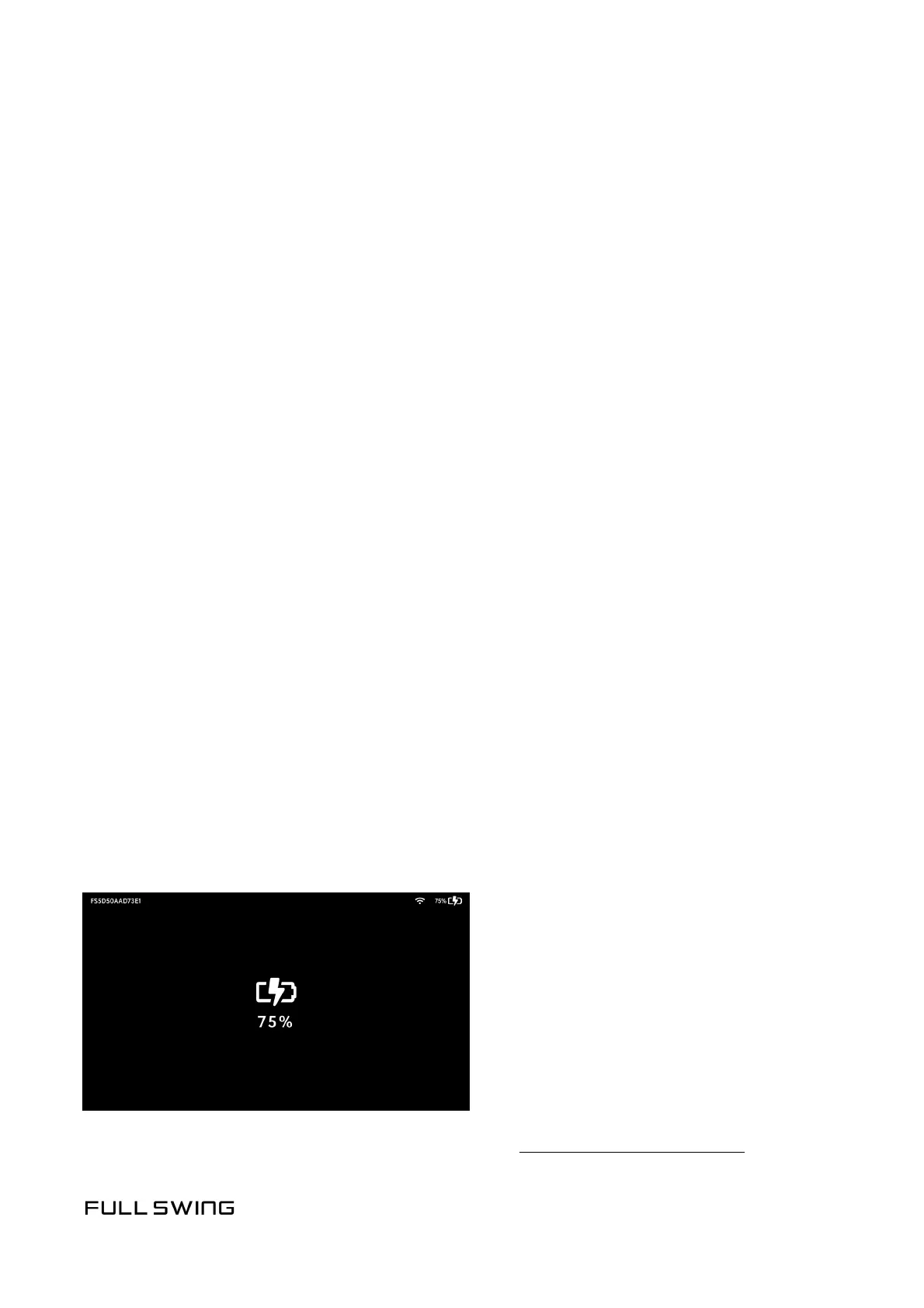
Note: If there are mulple units, tap the Power buon on the unit and locate the
Device Name in the upper le corner of the OLED display.
Note: If pairing is unsuccessful, visit the Help Center at kitsupport.fullswinggolf.com
PAIRING THE KIT


 To Next Page