12
EN
[Signal Information]
For Digital TV operation
You can see the detail information about the signal.
2 Use ▲ / ▼ to select [Signal Information], then
press OK.
[CI Information]
For Digital TV operation
You can see the detail information about the Common
Interface, if you have inserted the CI card.
2 Use ▲ / ▼ to select [CI Information], then press
OK.
PC Settings
You can adjust the PC screen position, size and phase.
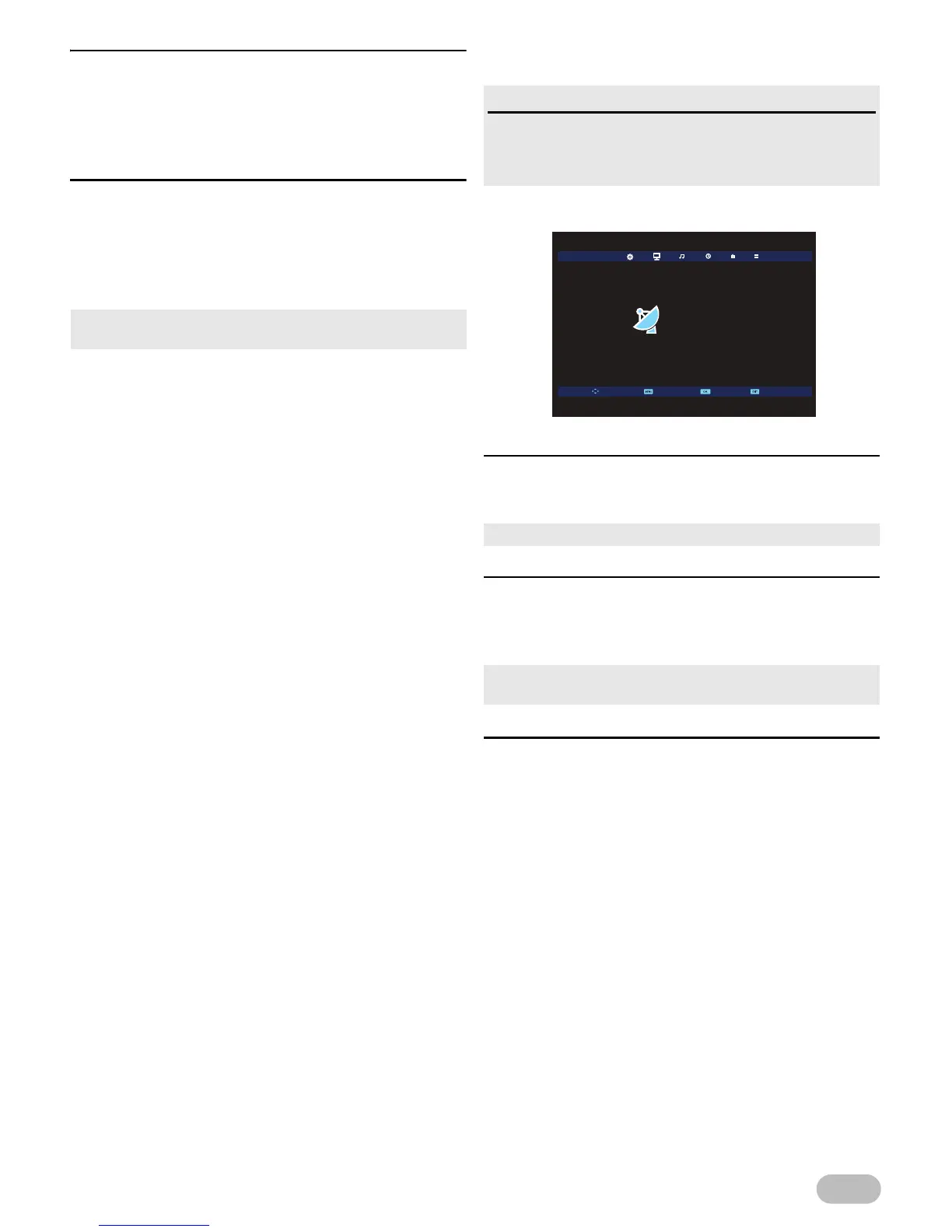
1 Use ◄ / ► to select [SCREEN].
[Auto Adjust]
2 Use ▲ / ▼ to select [Auto Adjust], then press
OK.
[H-Offset] / [V-Offset] / [Size] / [Phase]
2 Use ▲ / ▼ to select the item you want, then
adjust the settings according to your personal
preference.
[Position Reset]
2 Use ▲ / ▼ to select [Position Reset], then press
OK.
• We do not guarantee the all cards can be supported on this
unit.
Before you begin
You must connect your PC to this unit and select [PC]
at [Input Source]. Refer to “Switching the Input
Mode” (p. 6).
• Each setting will be adjusted automatically.
• After press OK and appear the settings display, you can
adjust them.
Auto Adjust
H-Offset
V-Offset
Size
Phase
Position Reset
SCREEN
Move SelectReturn Exit
50
50
69
50


 To Next Page