16
EN
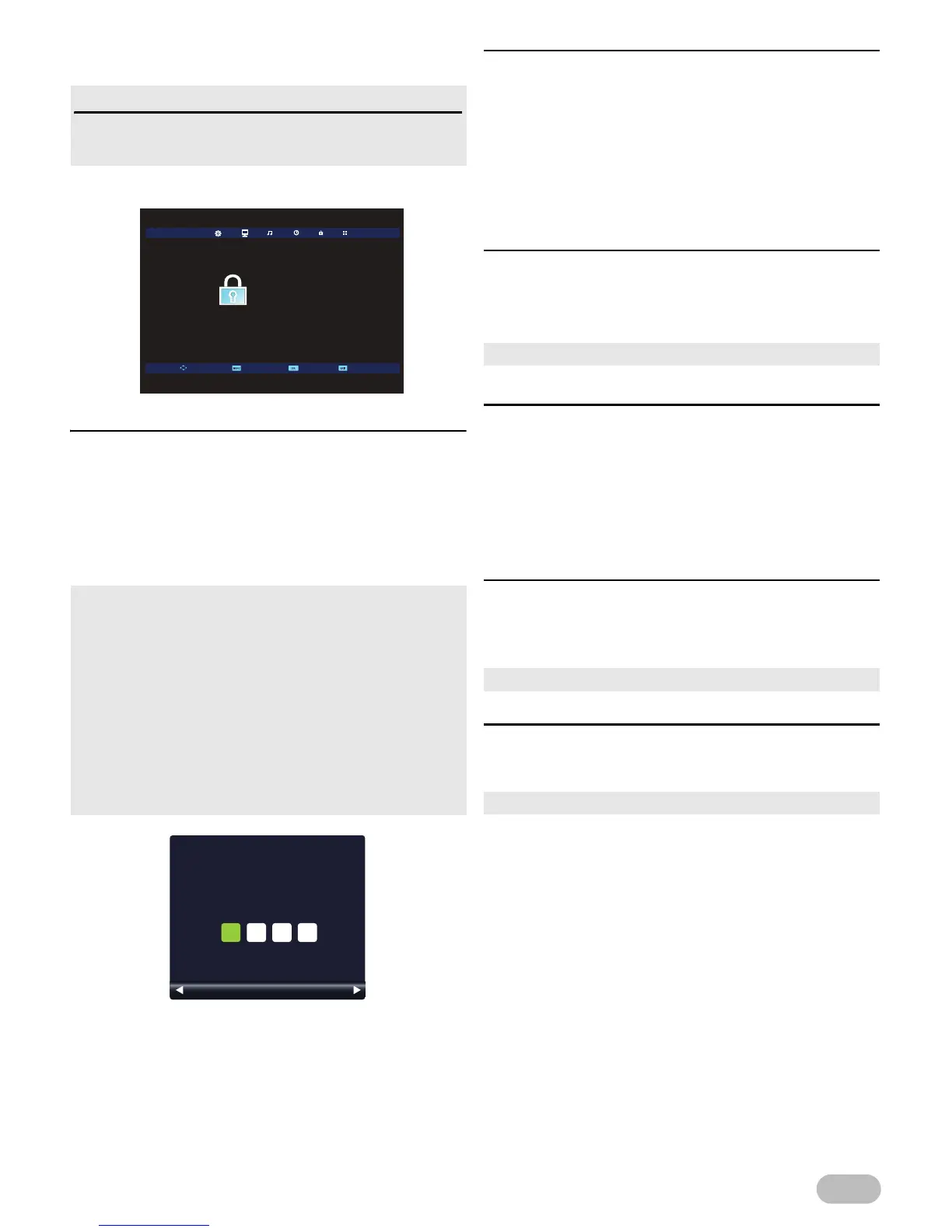
Lock Settings
You can set following lock settings.
1 Use ◄ / ► to select [LOCK].
[Lock System]
You can set all lock settings.
If you set to [On], all lock settings work.
2 Use ▲ / ▼ to select [Lock System], then press
OK.
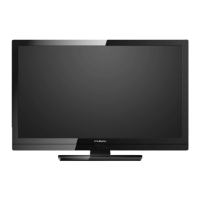
3 Use the Number buttons to enter the 4-digit PIN
code you set.
[Set Password]
You can set your own PIN code.
2 Use ▲ / ▼ to select [Set Password], then press
OK.
3 Use the Number buttons to enter the new 4-digit
number.
4 Use the Number buttons to enter the same
4-digit number again.
[Block Program]
2 Use ▲ / ▼ to select [Block Program], then
press OK.
3 Press GREEN to lock the current channel.
[Parental Guidance]
You can set the parental rating to avoid watching an
inappropriate programme for your children.
2 Use ▲ / ▼ to select [Parental Guidance], then
press OK.
3 Use ▲ / ▼ to select the age restriction, then
press OK.
[Key Lock]
You can set [Key Lock] and unlock with PIN code.
2 Use ▲ / ▼ to select [Key Lock], then select [On]
or [Off], using ◄ / ►.
[Hotel Mode]
2 Use ▲ / ▼ to select [Hotel Mode], then press
OK to enter [Hotel Mode] menu.
Before you change the lock settings
You must remember your own PIN code.
Every lock settings need PIN code.
• If you have not set up your PIN code as France, enter 0001.
• If you have not set up your PIN code as other country, enter
0000.
• When you enter correct PIN code, you can change following
settings.
• After you move to other settings, you have to enter your PIN
code again to proceed Parental setting.
• If you set to [On], below settings need to enter PIN code
due to change the settings.
: [Auto Tuning], [ATV Manual Tuning], [DTV Manual
Tuning], [Programme Edit], [First Time Installation] and
[Reset].


 To Next Page