18
EN
[Max Volume]
You can set maximum limit of audio volume.
5 Use ▲ / ▼ to select [Max Volume], then press ◄
/ ► to adjust the maximum limit of audio volume.
[Import]
You can import the Hotel Mode settings from USB flash
memory.
5 Use ▲ / ▼ to select [Import], then press OK.
[Export]
You can export the current menu settings to USB flash
memory.
5 Use ▲ / ▼ to select [Export], then press OK.
[Clear Lock]
You can restore the Hotel Mode settings.
5 Use ▲ / ▼ to select [Clear Lock], then press
OK.
Setup Adjustment
You can change other setting.
1 Use ◄ / ► to select [SETUP].
[OSD Language]
You can select the preferred on-screen language.
2 Use ▲ / ▼ to select [OSD Language], then
press OK.
3 Use ▲ / ▼ / ◄ / ► to select the language you
want, then press OK.
[TT Language]
You can select the preferred teletext language.
2 Use ▲ / ▼ to select [TT Language], then press
OK.
3 Use ▲ / ▼ / ◄ / ► to select the language you
want, then press OK.
• If you set to [On], you cannot turn the volume up over setup
volume.
• After importing, the unit will go into the standby mode
automatically.
• If a USB flash memory does not insert, an error message
will appear.
• During exporting, LED on front panel will turn into red. (It’ll
take about 5 - 10sec.)
• After exporting, no message will appear.
• It takes about 10 seconds to complete the exporting the
data.
• If a USB flash memory does not insert, an error message
will appear.
• You can set also buttons on Remote Control, refer to
“Teletext Settings” (p. 6).
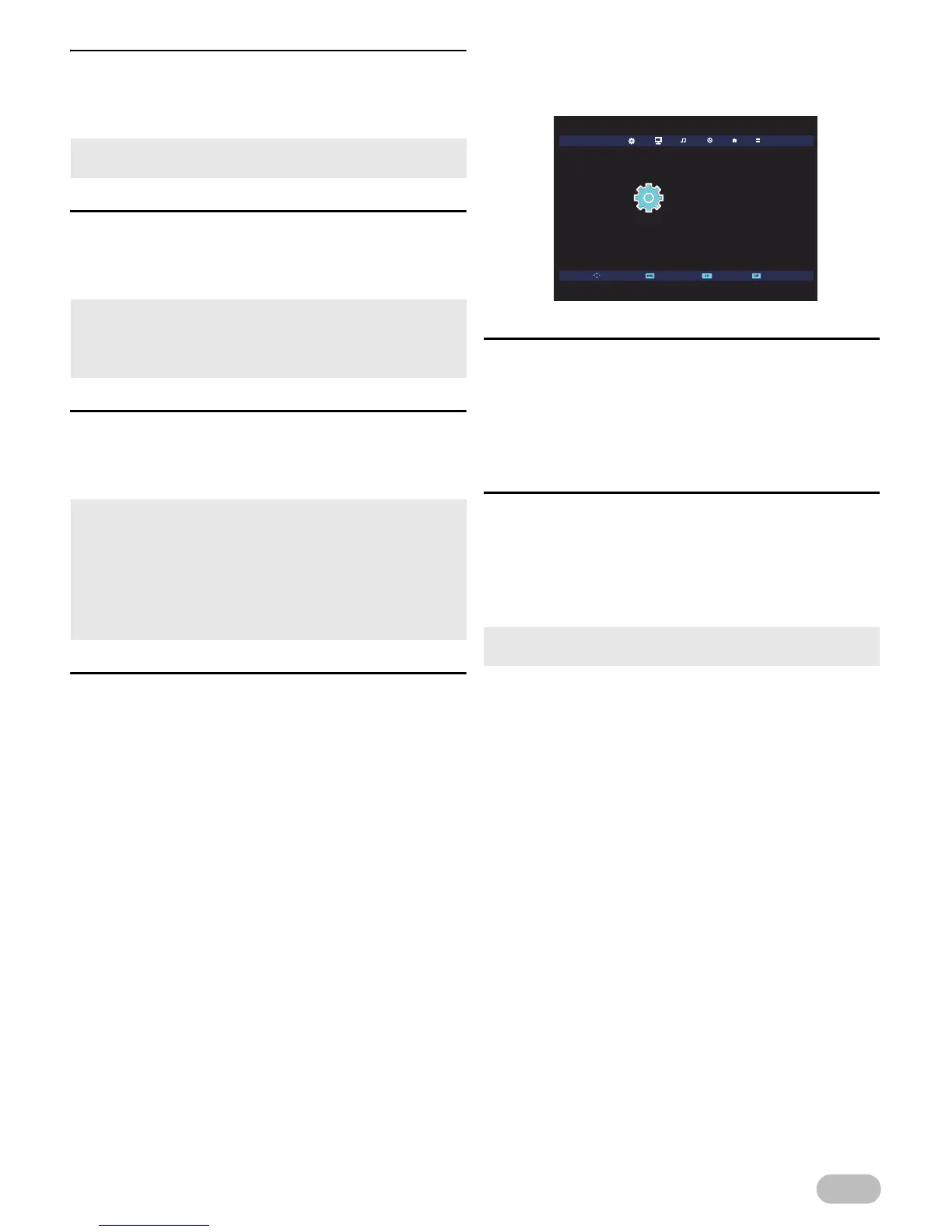
SETUP
OSD Language
TT Language
Hearing Impaired
Aspect Ratio
First Time Installation
Reset
CEC
Software Update(USB)
English
West
Off
16:9
Off
Move SelectReturn Exit


 To Next Page