14
EN
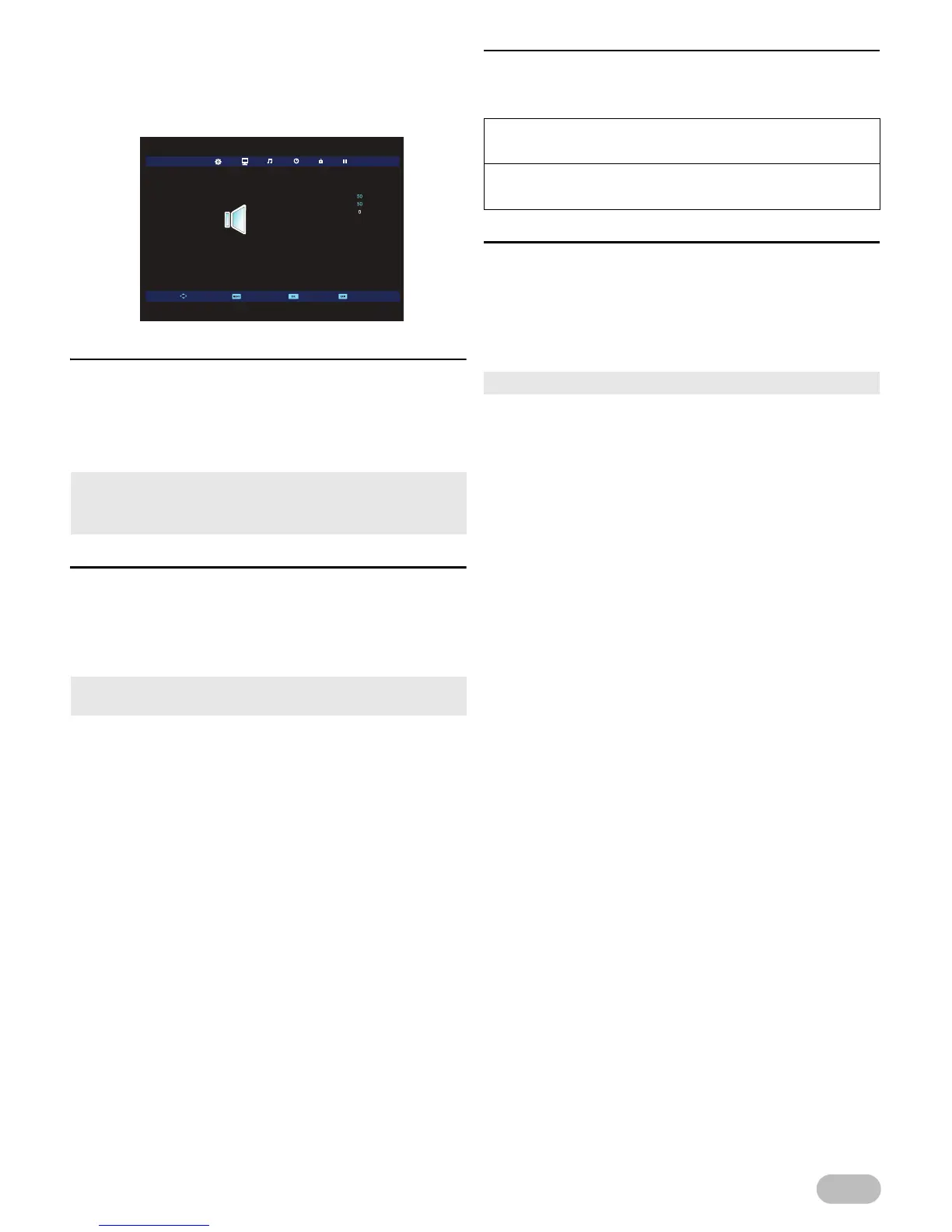
Sound Adjustment
You can adjust the sound settings according to your
personal preferences.
1 Use ◄ / ► to select [SOUND].
[Sound Mode]
2 Use ▲ / ▼ to select [Sound Mode], then press
OK.
3 Use ▲ / ▼ to select [Standard], [Music],
[Movie], [Sports] or [Personal], then press OK.
[Treble] / [Bass] / [Balance]
You can set left / right speaker setting.
2 Use ▲ / ▼ to select the item you want, then
press OK, and then appear the setting display,
adjust the setting, using ◄ / ►.
[SPDIF Mode]
2 Use ▲ / ▼ to select [SPDIF Mode], then select
[PCM], [Auto] or [Off], using ◄ / ►.
[AD Switch]
For Digital TV operation
You can adjust audio output setting and volume for
visually impaired.
2 Use ▲ / ▼ to select [AD Switch], then select
[Off] or [On], using ◄ / ►.
.
• You can change sound mode easily using SOUND MODE.
• Press SOUND MODE repeatedly to select sound mode you
want.
• You can adjust [Treble] and [Bass] settings, if you set
[Personal] in [Sound Mode].


 To Next Page