20
EN
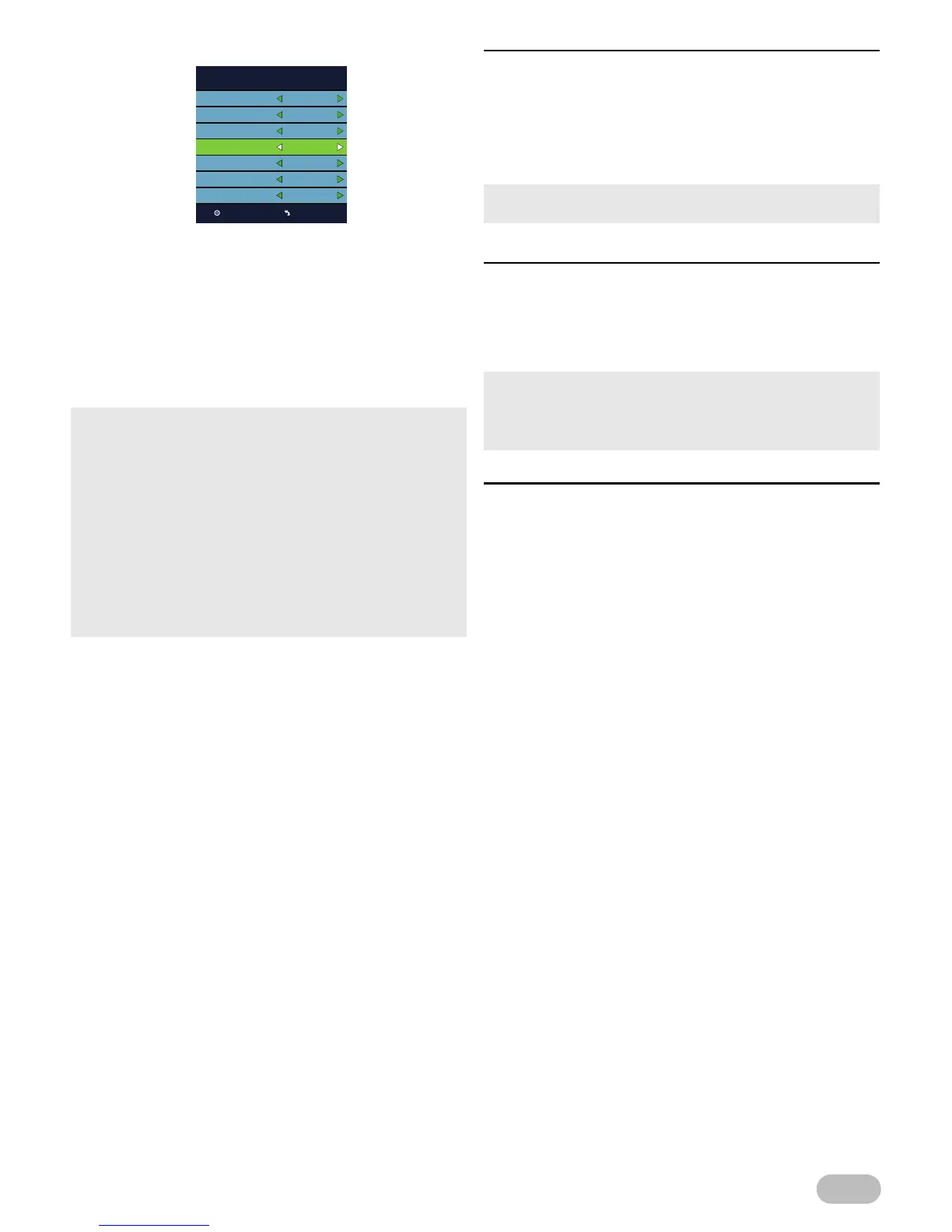
< For DVB-C scanning >
8 Use ▲ / ▼ to select [Digital Type], then select
[DVB-C], using ◄ / ►.
9 Use ▲ / ▼ to select [Scan Type], then select
[Standard] or [Advanced], using ◄ / ►.
10 Use ▲ / ▼ to select the item you want, and then
adjust the setting, using ◄ / ►.
11 Press OK to start scanning.
[Reset]
You can restore the all settings except channel setting
and parental lock settings.
2 Use ▲ / ▼ to select [Reset], then press OK.
3 Press ◄ to select [Yes] to reset to default
settings.
[CEC]
If you set to [On], HDMI CEC function allows your
device to act in conjunction with this unit.
2 Use ▲ / ▼ to select [CEC], then select [On] or
[Off], using ◄ / ►.
[Software Update(USB)]
It is available to update software using USB.
2 Use ▲ / ▼ to select [Software Update(USB)],
then press OK.
• Scan confirmation menu will appear.
• In case when not all available cable channels are found
through [Standard] scanning mode, these programs can be
scanned by selecting [Advanced] mode. Please note, that
[Advanced] mode scanning can take additional time.
• Depending on cable TV provider specification, correct
subscription to cable signals cannot be guaranteed.
• When the scanning is completed, the lowest memorised
digital or analogue channel will be displayed.
• If you press MENU during channel scanning, this operation
will be paused, then press MENU again to exit the initial
setup.


 To Next Page