18
Change Settings
English
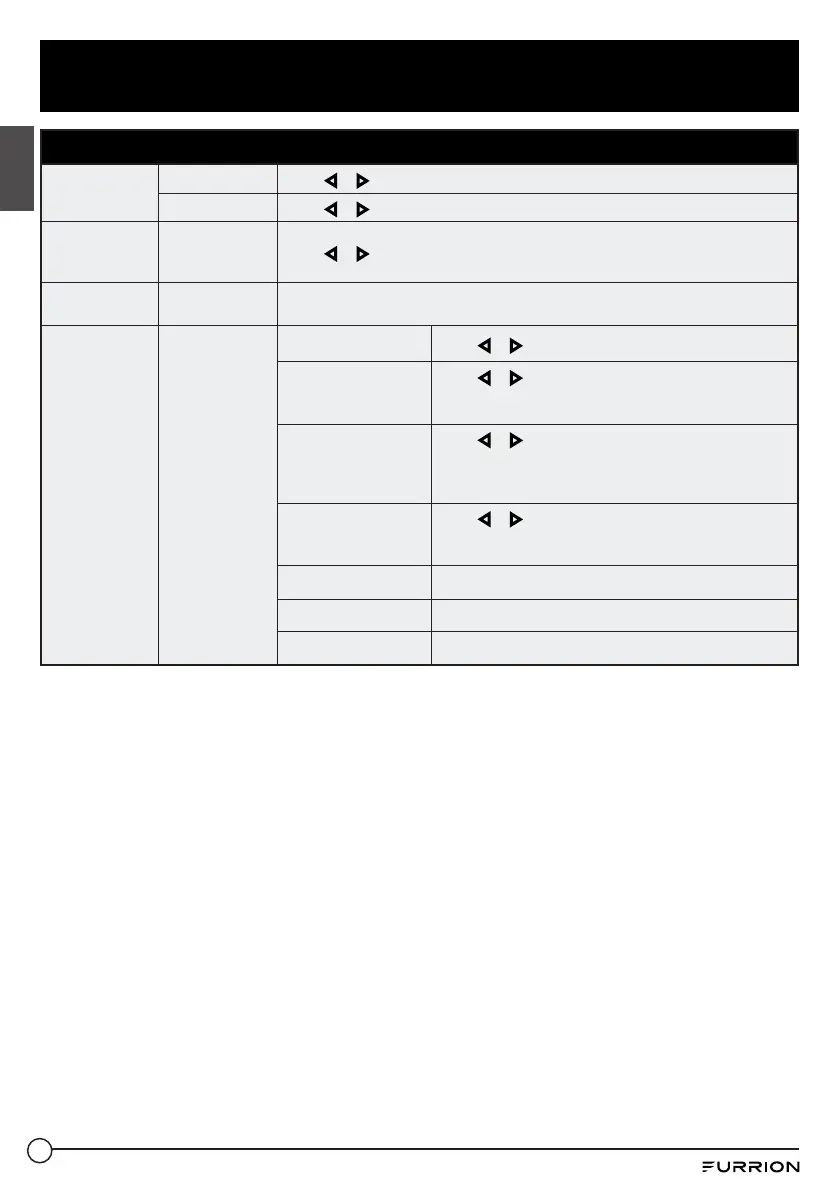
Setup Menu
Other Settings
Blue Screen
Press or to select On or Off.
Audio Only
Press or to select On or Off.
Restore
Default
Resets settings
to factory
defaults
Press or to select Yes or No.
Setup Wizard
Starts the Setup
Wizard
See Page "Getting Started".
CEC
Configures CEC
functions
CEC Control
Press or to select Off or On.
Device Auto Power
Off
Press or to select Off or On.
* If On, when the TV is turned off, all HDMI CEC
connected devices will go into standby.
TV Auto Power On
Press or to select Off or On.
* If On, when a HDMI CEC connected device is enabled,
the TV will turn on and switch to the source that is
connected to the device.
Audio Receiver
(ARC)
Press or to select Off or On.
* If On, the TV will output audio to an ARC compatible
connected device.
Device Lists
Lists all connected CEC devices.
Connect
Connects to devices on the CEC devices.
Root Menu
Shows the root menu of connected devices.



 To Next Page