1. INITIAL SETTING AND ADJUSTMENT
1-67
1.8.7 How to edit an alert definition
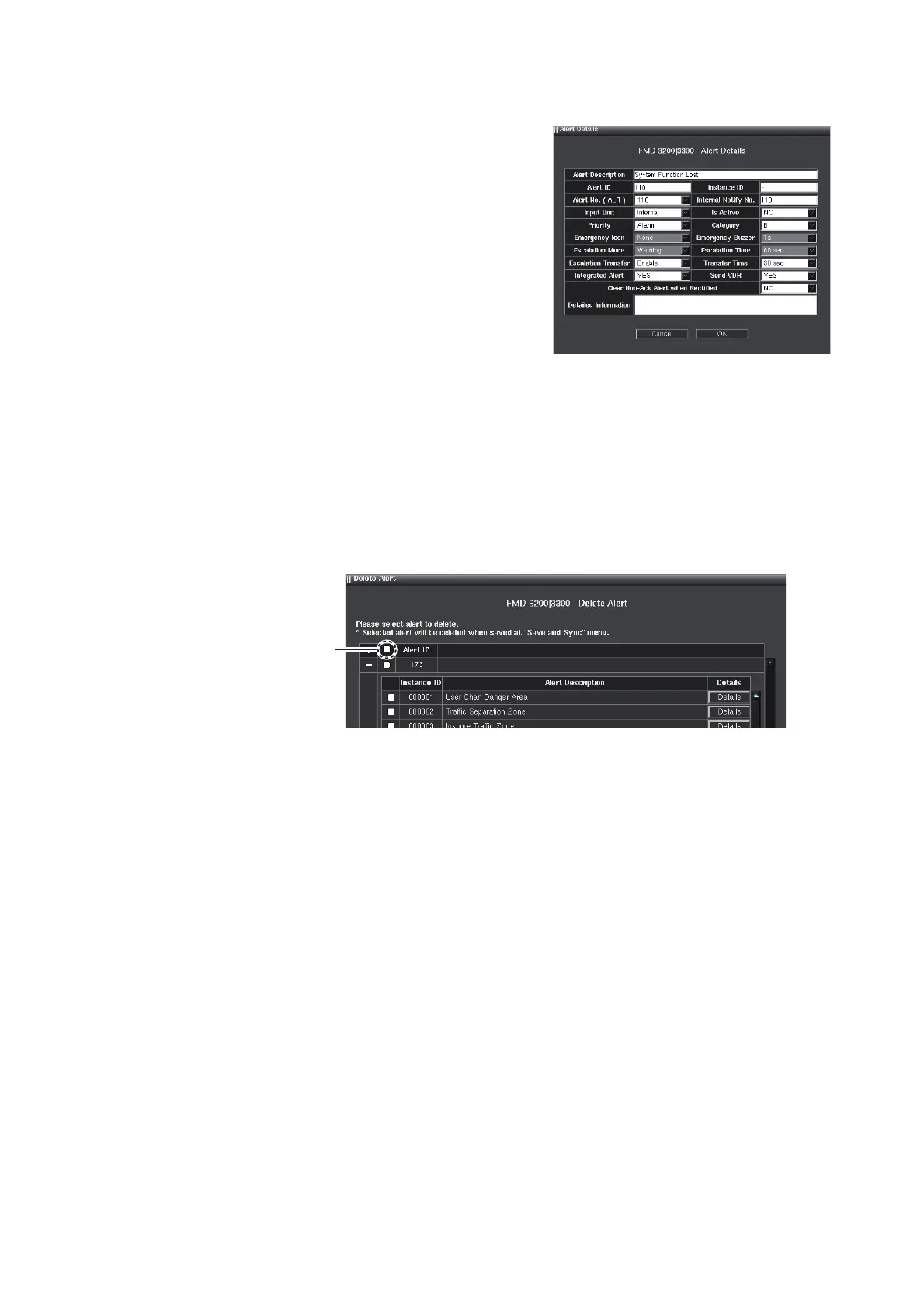
1. Click the [Details] button on the alert defi-
nition window of equipment type, refer-
ring to the figure in step 2 of
section 1.8.5. The [Alert Details] window
is shown.
2. Edit the options referring to step 2 of section 1.8.6.
3. Click the [OK] button to close the [Alert Details] window.
4. To save the configuration, perform a consistency check, then save the configura-
tion data on the [Save and Sync] menu.
1.8.8 How to delete an alert definition
1. Click the [Delete Alert] button on the alert definition window of equipment type, re-
ferring to the figure in step 2 of section 1.8.5. The [Delete Alert] window is shown.
2. Check the checkbox to delete the alert. If all alerts are deleted, check the “Select
all” checkbox.
3. Click the [OK] button.
4. To save the configuration, perform a consistency check, then save the configura-
tion data on the [Save and Sync] menu.
1.9 [Data Sharing] Menu
The [Data Sharing] menu is has no use.
Select all
checkbox



 To Next Page