6. Display menu
Operation parameters, messages, and menu options are shown on the LCD
display.
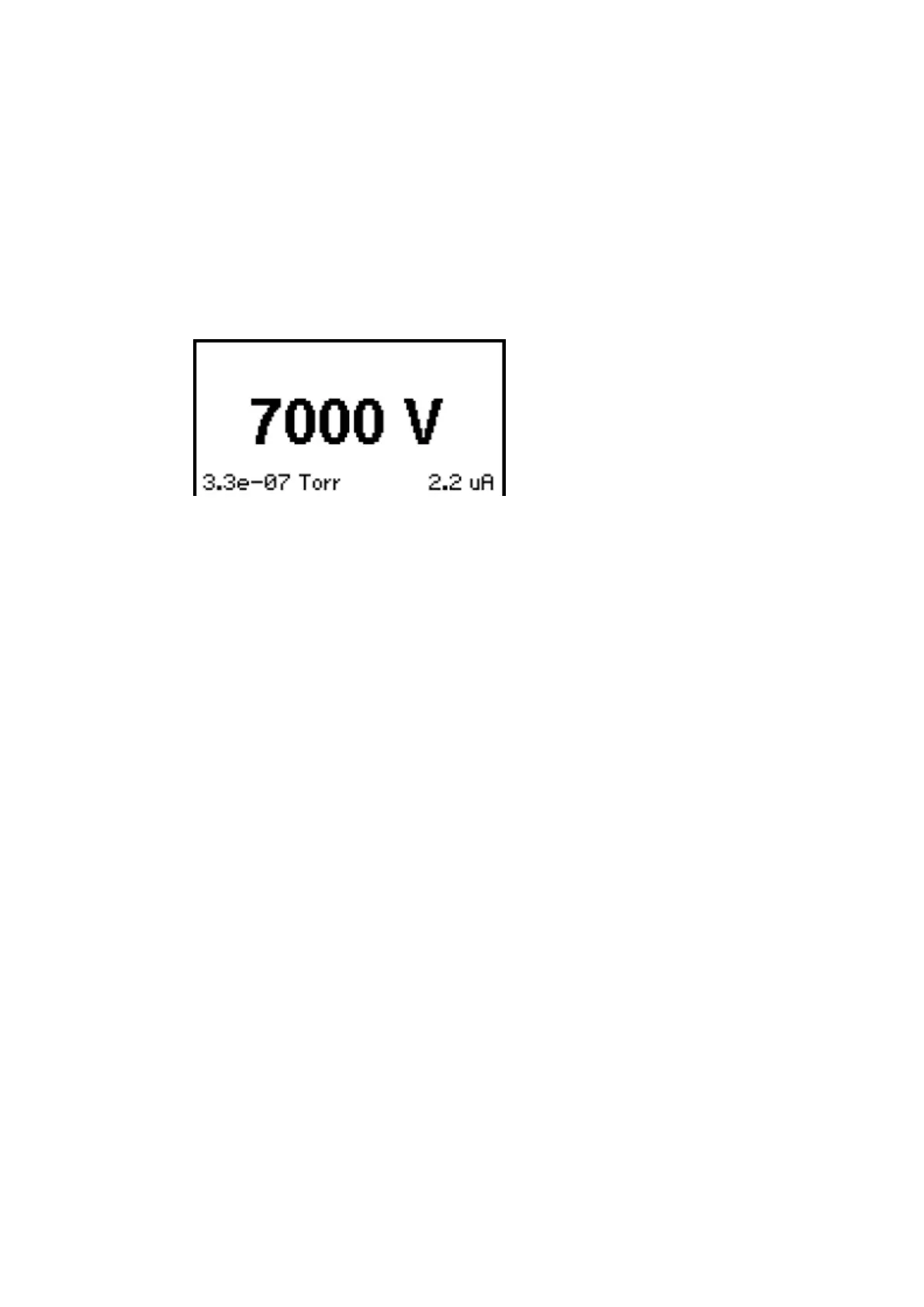
6.1. Display during ion pump operation
When the ion pump is in operation, the SPCe displays voltage, current, and
pressure.
Figure 2. Display during ion pump operation
Accessing Main Menu Settings
The main menu categories are:
▪ System
▪ Output
▪ Supply
▪ Communications
▪ Serial
▪ Ethernet
▪ Conguration
▪ Diagnostics
▪ SPC.
To access and navigate the main menu: (Refer to Figure: Front panel)
▪ Press OK to access the main menu.
▪ Press the left and right arrow keys to navigate through the main menu.
▪ Press the up and down arrow keys to navigate through the drop down
menus.
▪ Press OK to select the highlighted menu item.
04/2021 - ©Gamma
Page 16900026_F
900026_F - Display menu



 To Next Page