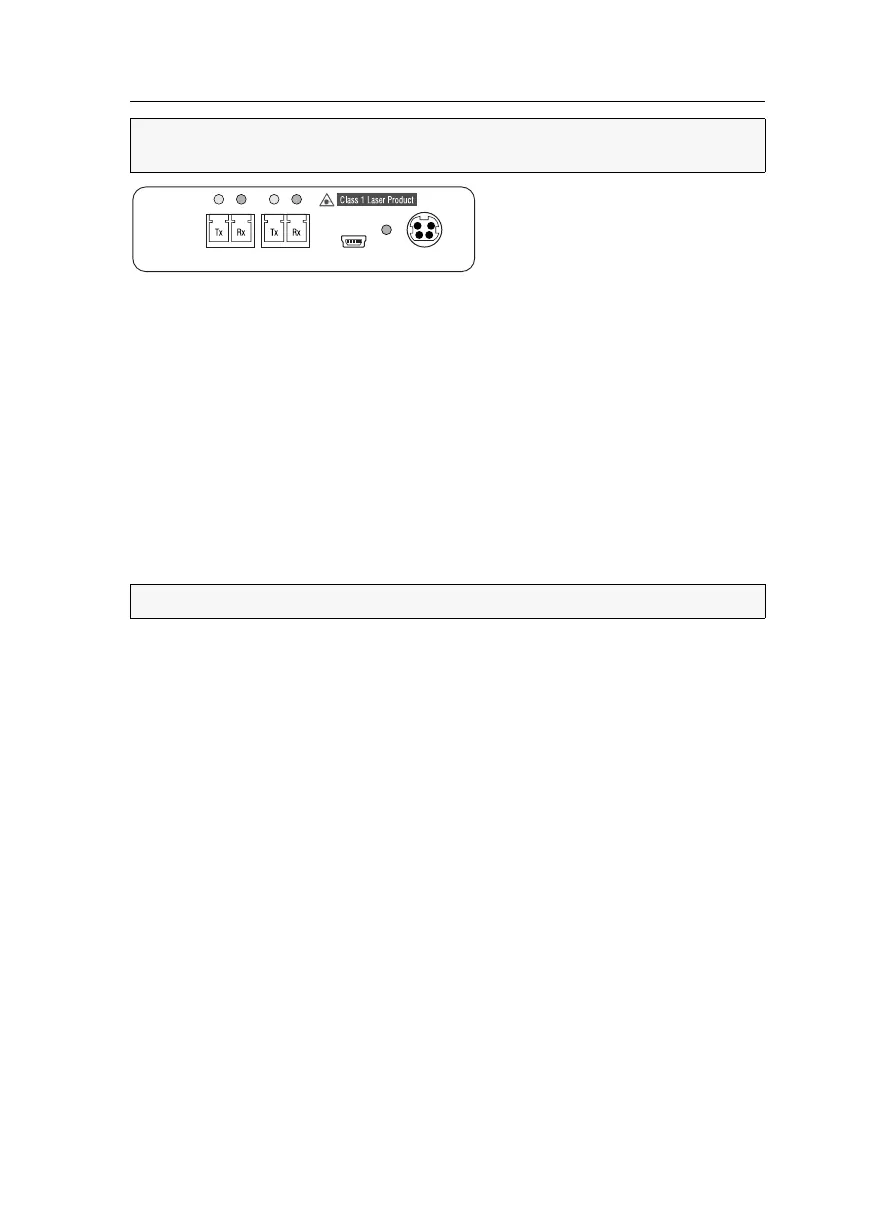
Target module »DP-HR-U-CPU-Fiber-UC«
Target and user modules (DP-HR-U) · 36
Trans. 1|Tx: Insert the LC plug of a compatible optical fibre cable. Connect the other
end of the cable to the
Rx interface of a Dynamic Port provided at the first matrix
switch.
Trans. 1|Rx: Insert the LC plug of a compatible optical fibre cable. Connect the other
end of the cable to the
Tx interface of the same Dynamic Port provided at the first
matrix switch.
Trans. 2|Tx: Insert the LC plug of a compatible optical fibre cable. Connect the other
end of the cable to the
Rx interface of a Dynamic Port provided at the second matrix
switch.
Trans. 2|Rx : Insert the LC plug of a compatible optical fibre cable. Connect the other
end of the cable to the
Tx interface of the same Dynamic Port provided at the second
matrix switch.
Power supply
Power In: Connect the cable of the power pack to this interface. Now connect the
power cable to the power pack and a power socket.
IMPORTANT:
For each matrix switch, connect only one Trans. interface of the tar-
get module!
ADVICE:
You can also connect the target module directly to a compatible user module.
Power In
Service
Power
Trans. 1Trans. 2



 To Next Page