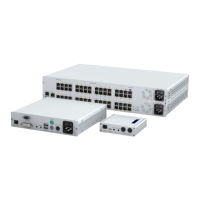
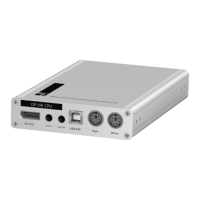
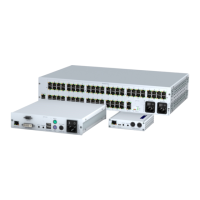
Console module »DP-HR-U-CON-2-DH«
155 · Computer and console modules (DP-HR-U)
Start-up
Turn on the console module after its installation. Use the Main Power power pack or a
redundant power pack to establish the power supply:
Turn on the Main Power power pack.
Use an optional power pack to supply the Red. Power socket with power.
Switching
The buttons on the front panel of the console module or configured key combina-
tions (select keys) let users switch between the connected matrix switches.
How to switch channels via buttons:
Press the button of the desired channel to activate it.
How to switch channels via key combinations:
On the console keyboard, press Hotkey+Select key.
In the default settings, the select keys are Alt+1 (channel 1) and Alt+2 (channel 2).
ADVICE:
The active hotkey configuration is displayed during the System Startup of
the matrix switch and the console module.



 To Next Page