76
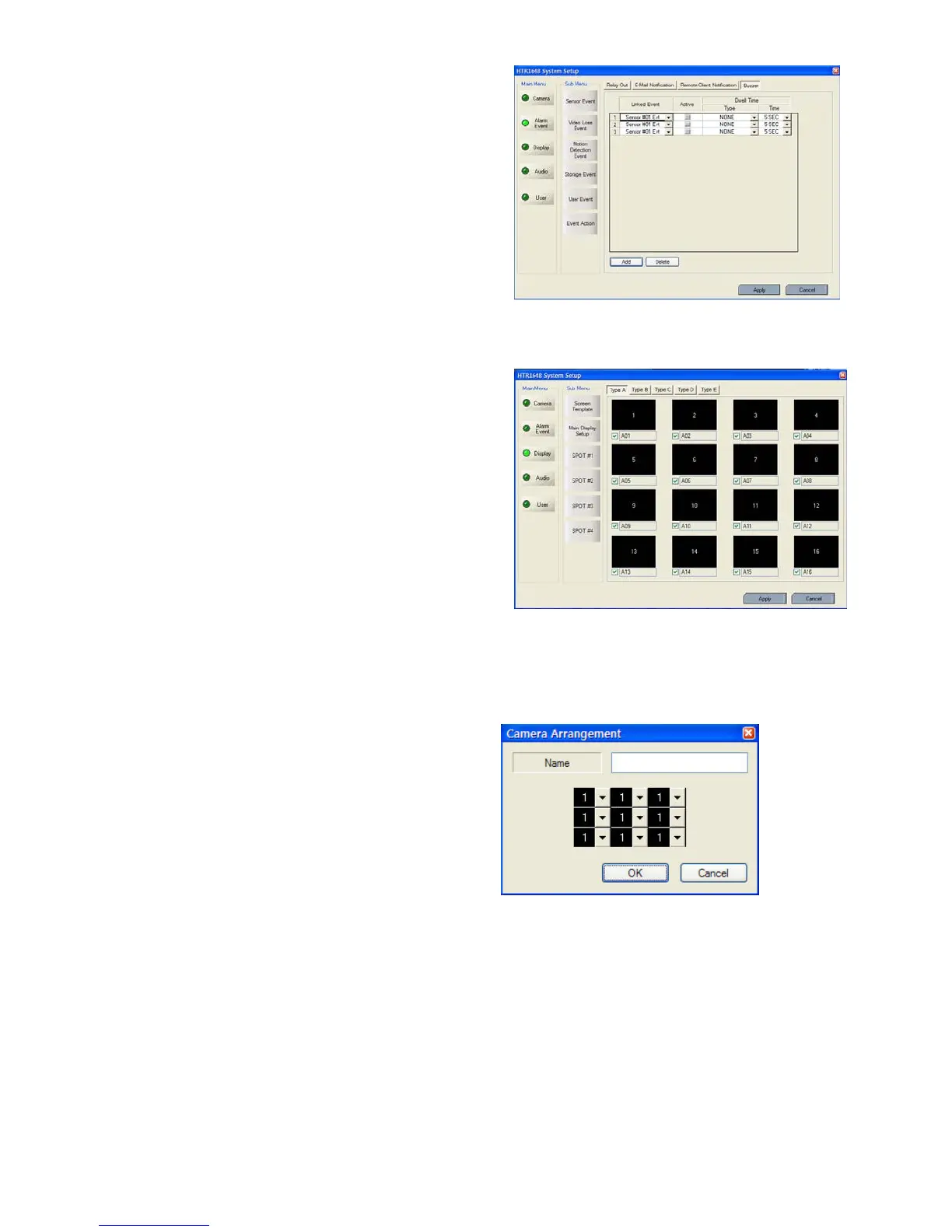
- Select buzzer on/off for selected event. .
- After selecting the event (Alarm, motion, video loss, User
Defined Event) that want to buzzer, select the activation
on/off.
- Select the buzzer type (Latched, Transparent)
DISPLAY
- Screen Template
Select the screen division (typeA,B,C,D,E)
Double Click at the location which the operator requires
to change.
- Then screen template is made or changed.
- The operator can make new screen template or modify
the current screen template
Double click the template that requires to be modified.
Input the name.
Select the channel from screen template.
Click the “OK.”



 To Next Page