RTxxx LEDlighting controllers - User Manual
Display Select to:
FrE Set up the internal trigger
trg View the trigger status
UAL View the output current
rAt Set the lighting rating
During the setup of a channel, the trigger can be set to active high or
low according to the P flag setting. Error checking can be enabled or
disabled using the E flag.
9.2 Setting the light rating
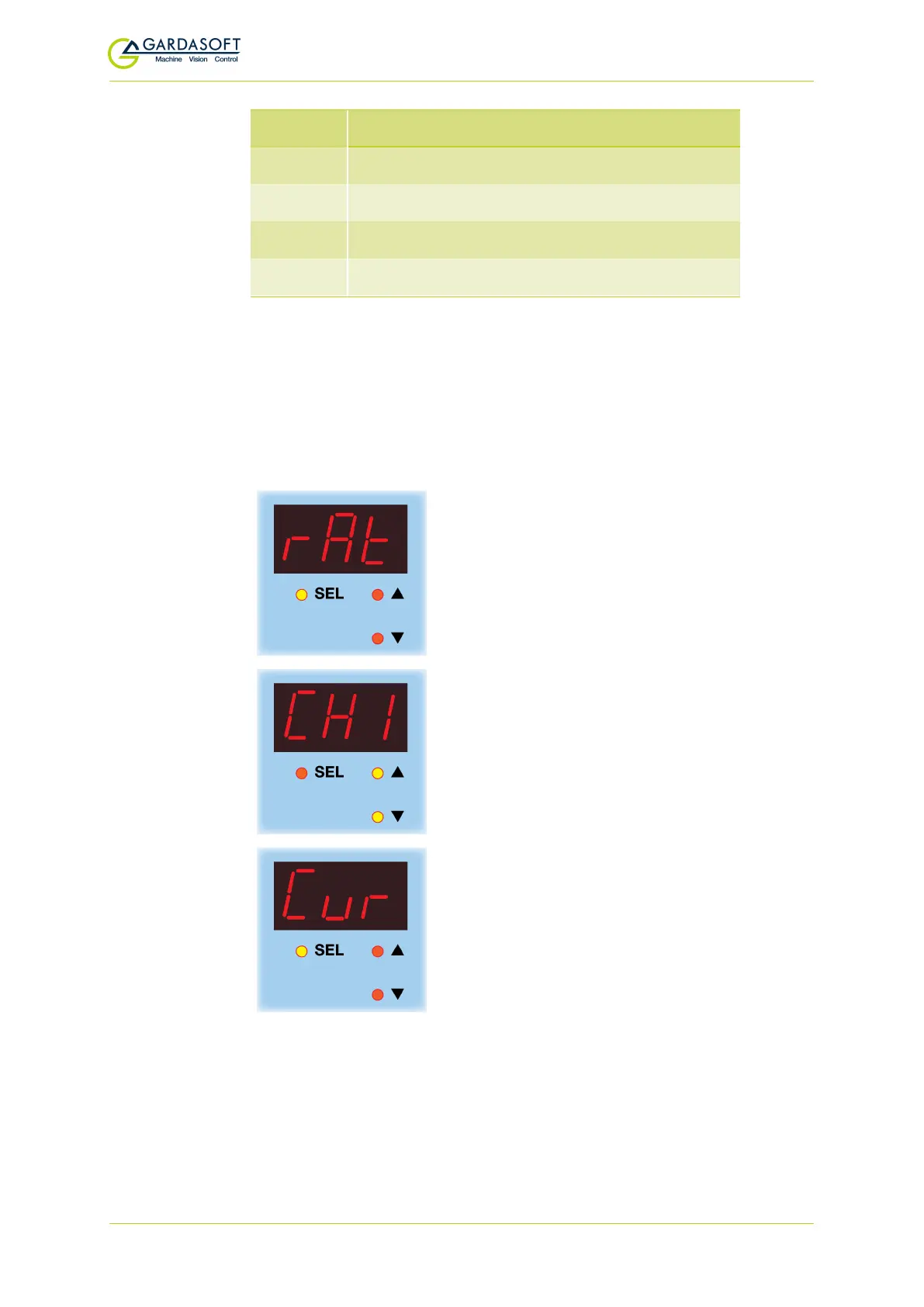
Press and hold SELfor one second , CH1 is displayed. Use the p and
q buttons to scroll to rAt and follow the keystrokes below:
rAt
is displayed. Press the
SEL
button.
Use the p and q buttons to select the chan-
nel you want to set the rating for, and press
the
SEL
button.
Cur is displayed. Press the SELbutton if your
light is current rated. Or...
— 32 —



 To Next Page