RTxxx LEDlighting controllers - User Manual
Continuous output is set up on the RT200.
9.4 Setting up switched output
Switched output is when the light remains on for as long as there is a
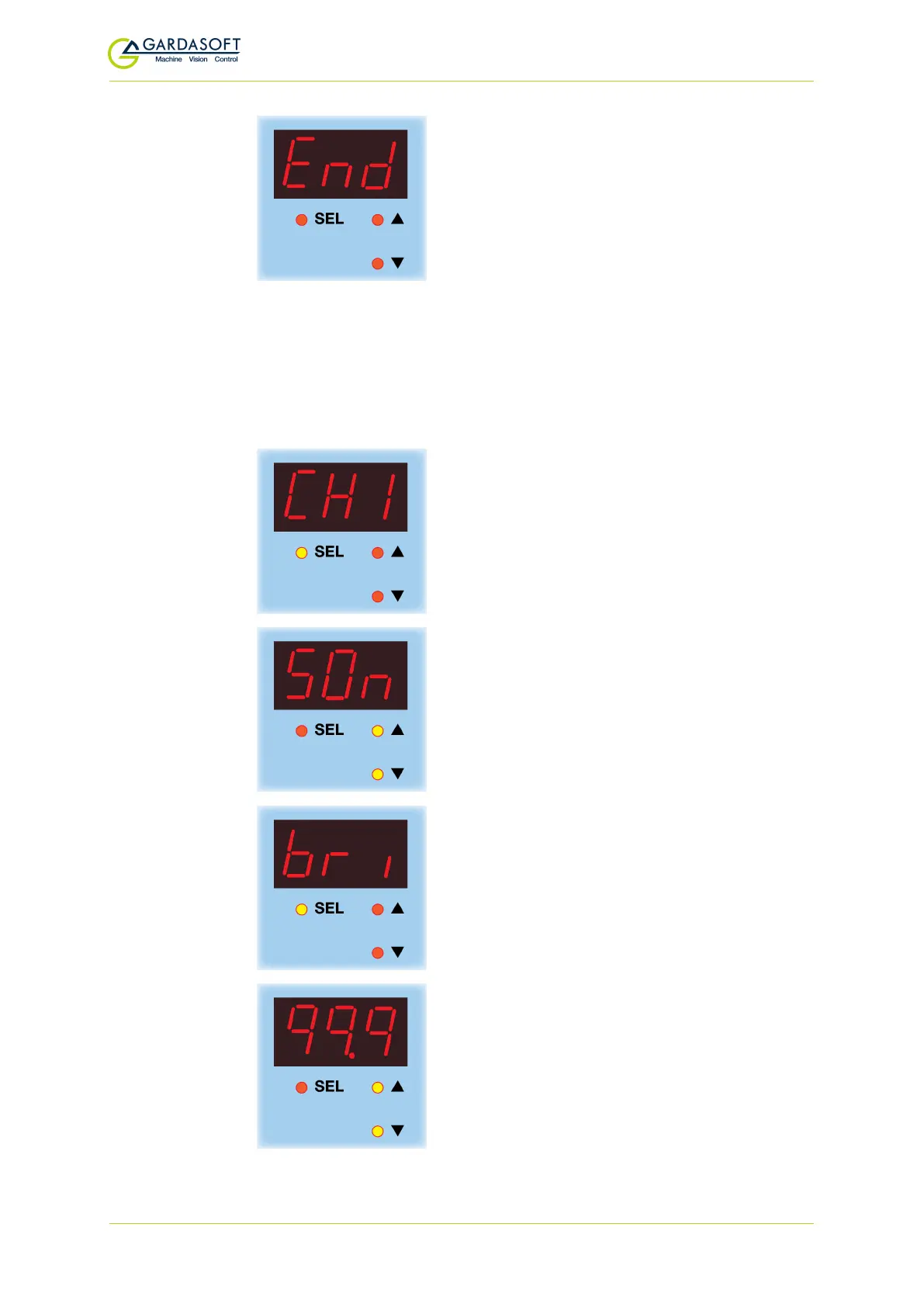
signal on the trigger input. Press and hold SELfor one second , CH1 is
displayed. Use the p and q buttons to select the channel you want to
set up, and follow the keystrokes below:
The channel you want to set up is displayed.
Press the
SEL
button.
Use the
p
and
q
buttons to select
SOn
and
press the
SEL
button.
bri
is displayed. Press the
SEL
button to
select the light's intensity.
Use the p and q buttons to set the intensity
from 1% to 99.9%. The default setting is 50%.
Press the SELbutton.
— 35 —



 To Next Page