RTxxx LEDlighting controllers - User Manual
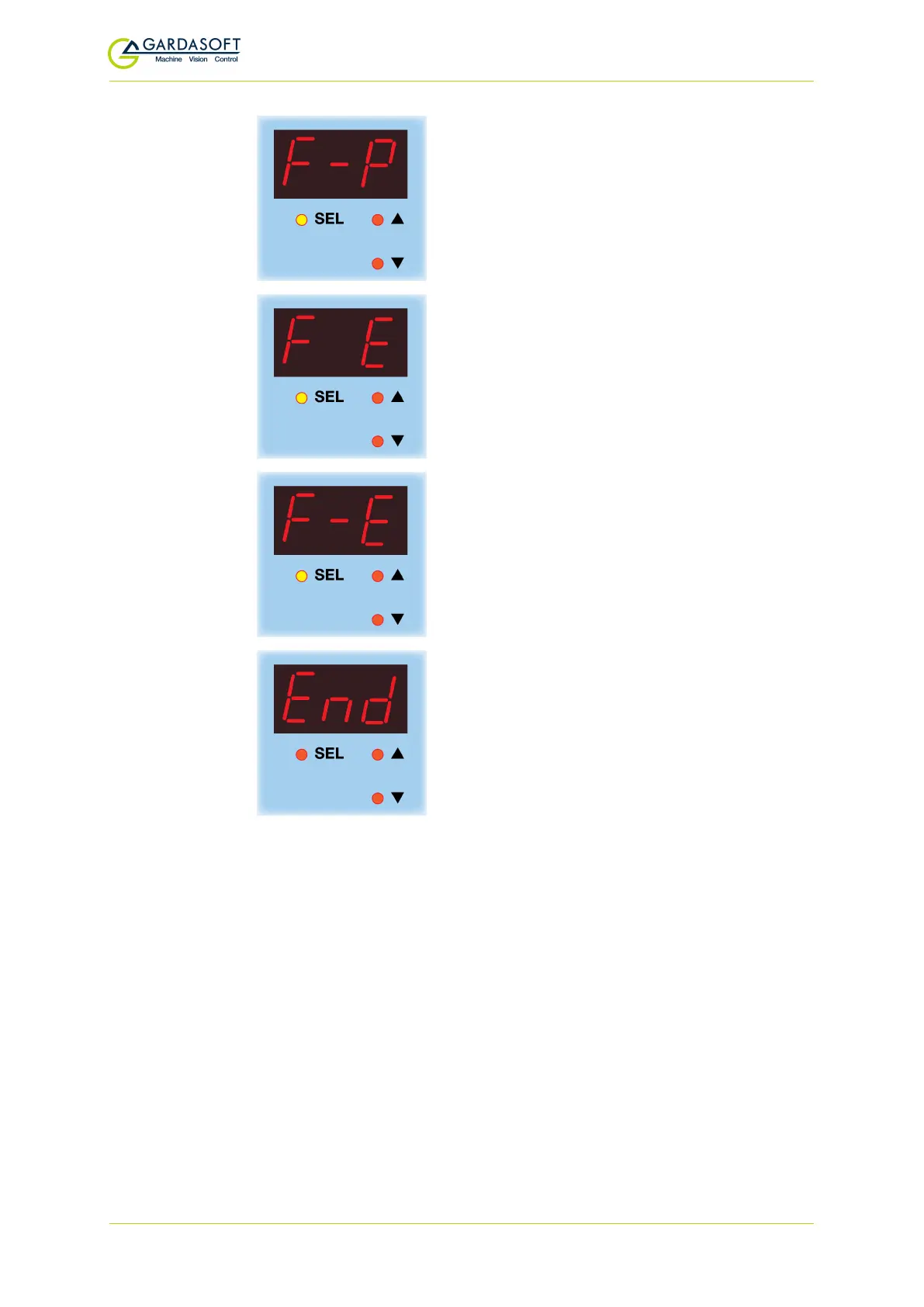
If you wish to set the trigger polarity so that it
is active low, use the p and q buttons to
select
F-P
and press the
SEL
button.
To set the error detection, press the
SEL
button with
F E
displayed.
Or...
If you wish to disable the error detection, use
the
p
and
q
buttons to select
F-E
, and press
the
SEL
button.
Pulsed operation is set up on the RT200.
9.7 Setting time periods
When the RT200 requires you to enter a numeric value, the right hand
digit flashes to indicate you can use the p and q buttons to change
the value.
To set pulse delay, retrigger, and pulse width values a scheme is used
where the exponent (power of 10) of the value is set. The exponent
values are as follows:
— 42 —



 To Next Page