RTxxx LEDlighting controllers - User Manual
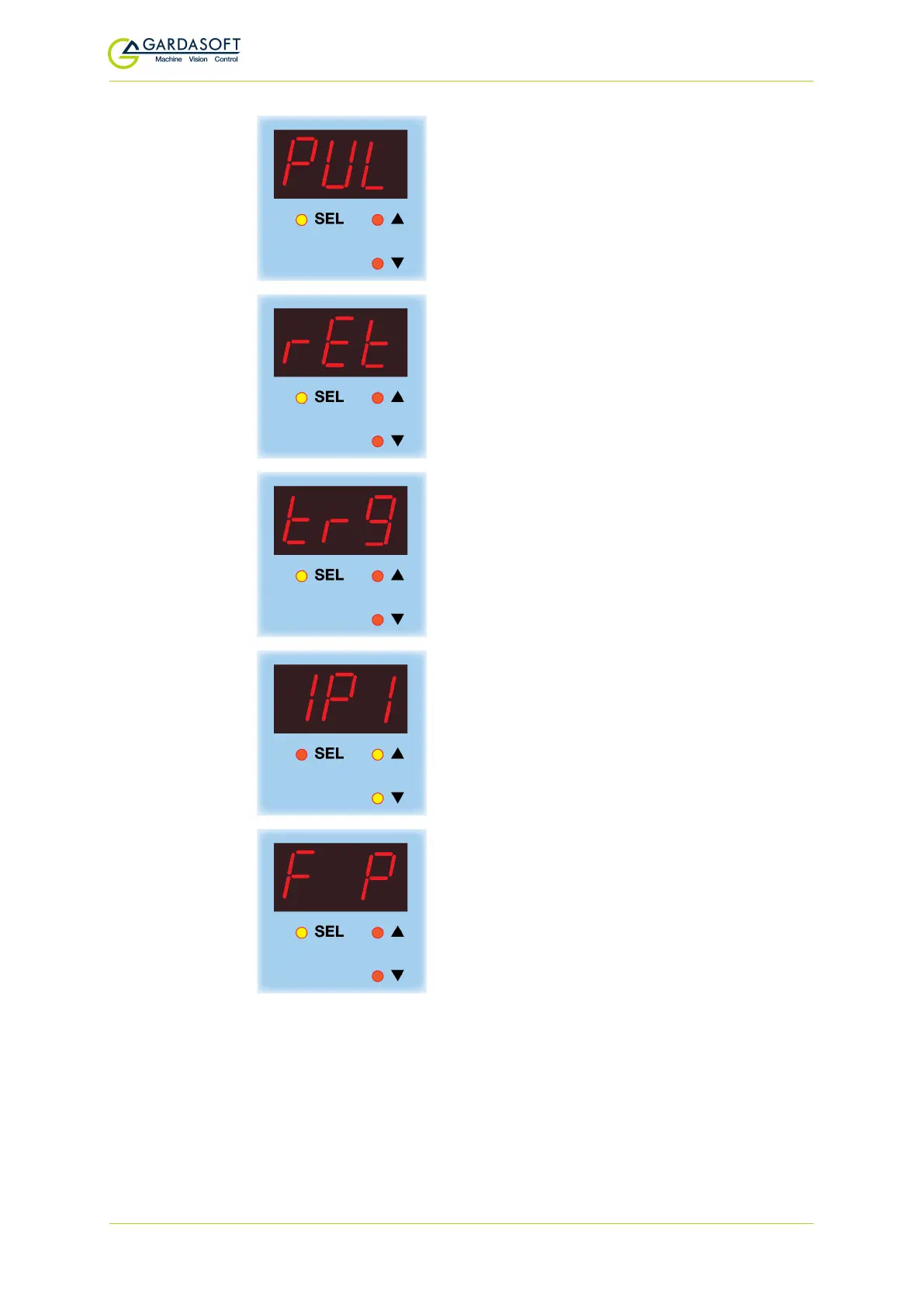
PUL is displayed. Press the SEL button to set
up the pulse width as described in Section
9.7, Setting time periods.
Press the SEL button.
rEt is displayed. Press the SELbutton to set
up the retrigger time as described in Section
9.7, Setting time periods.
Press the SELbutton.
trg
is displayed. Press the
SEL
button.
Use the p and q buttons to select the trig-
ger (
IP1
or
IP2
) you want to set up, and press
the
SEL
button.
To set the trigger polarity so that it is active
high, press the
SEL
button with
F P
dis-
played. Or...
— 41 —



 To Next Page