RTxxx LEDlighting controllers - User Manual
Numeric parameters are separated by a comma ( , ). For a parameter
which is a time period, the default units are milliseconds. ‘s’, ‘ms’ or ‘us’
can be added to the end of the number to indicate seconds,
milliseconds or microseconds. For currents, ‘A’ or ‘ma’ can be added to
indicate amps or milliamps. The default unit is amps.
Note: parameters are in ‘USA/UK’ format so that a half is written ‘0.5’
not ‘0,5’. For example:
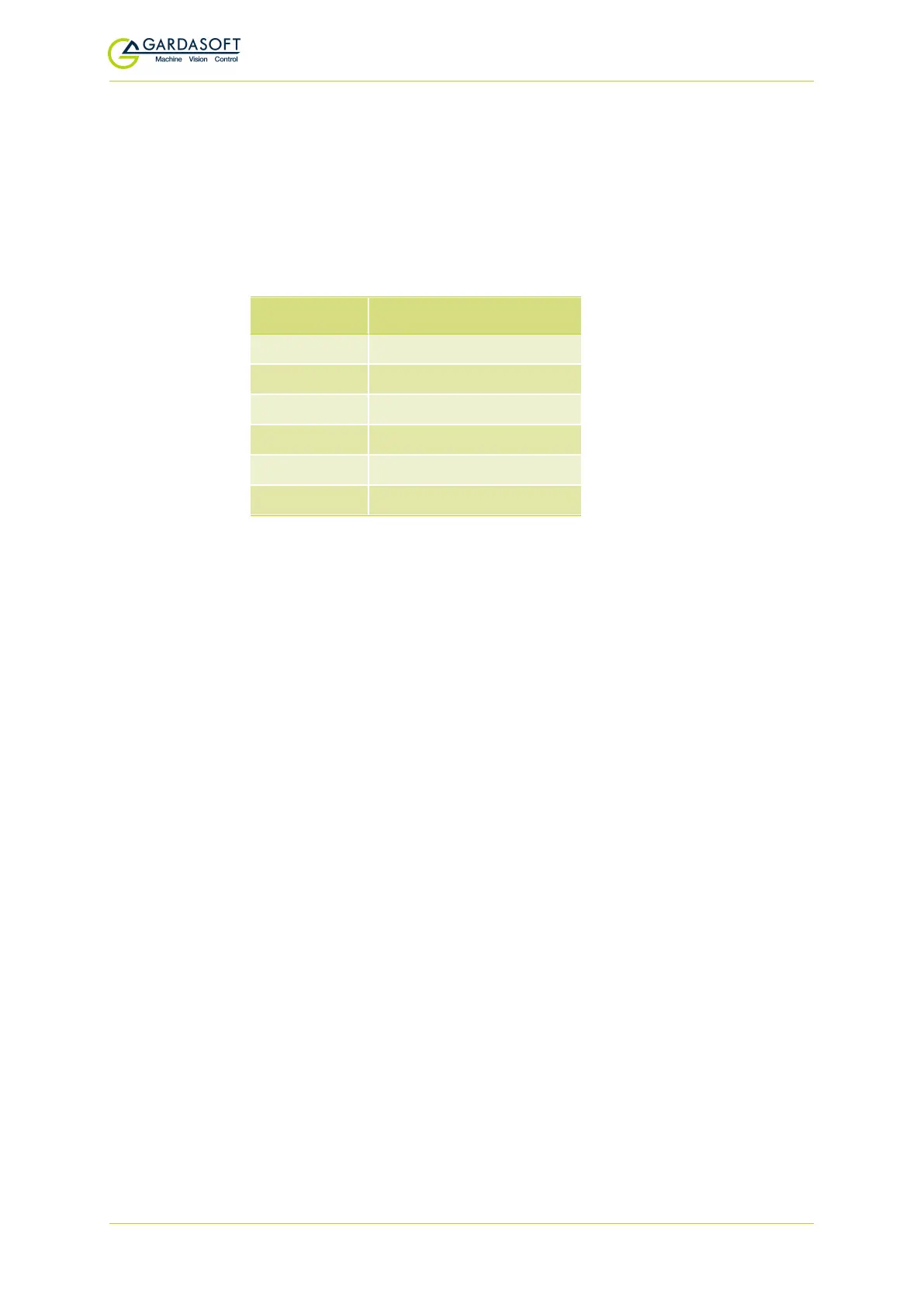
Parameter Meaning
0.1 0.1 millisecond
200μs 200 microseconds
0.1s 0.1seconds
100ma 100mA
2.45A 2.45A
2.3 2300mA or 2.3A
The command codes and their meaning are described in Section
12.3.1, General commands. The upper case commands are shown,
followed by lower case letters denoting the numeric argument.
12.3.1 General commands
Any changes you make using Ethernet commands are not saved
permanently until you send the AW command.
Report the version of firmware running in the RTxxx
This command returns the firmware version. For example:
VR returns
RT420-20 (HW02) V031
Set Internal Trigger
Enable or disable the internal trigger. When enabled, all outputs
are triggered simultaneously using an internal trigger signal.
This setting can be saved to non-volatile memory using the AW
command.
TT0
Disable internal trigger
TT1
Enable internal trigger (uses pre-
viously set period)
TT1,p
Enable internal trigger and set the
period
Where:
p = period of the triggers in milliseconds
— 57 —



 To Next Page