RTxxx LEDlighting controllers - User Manual
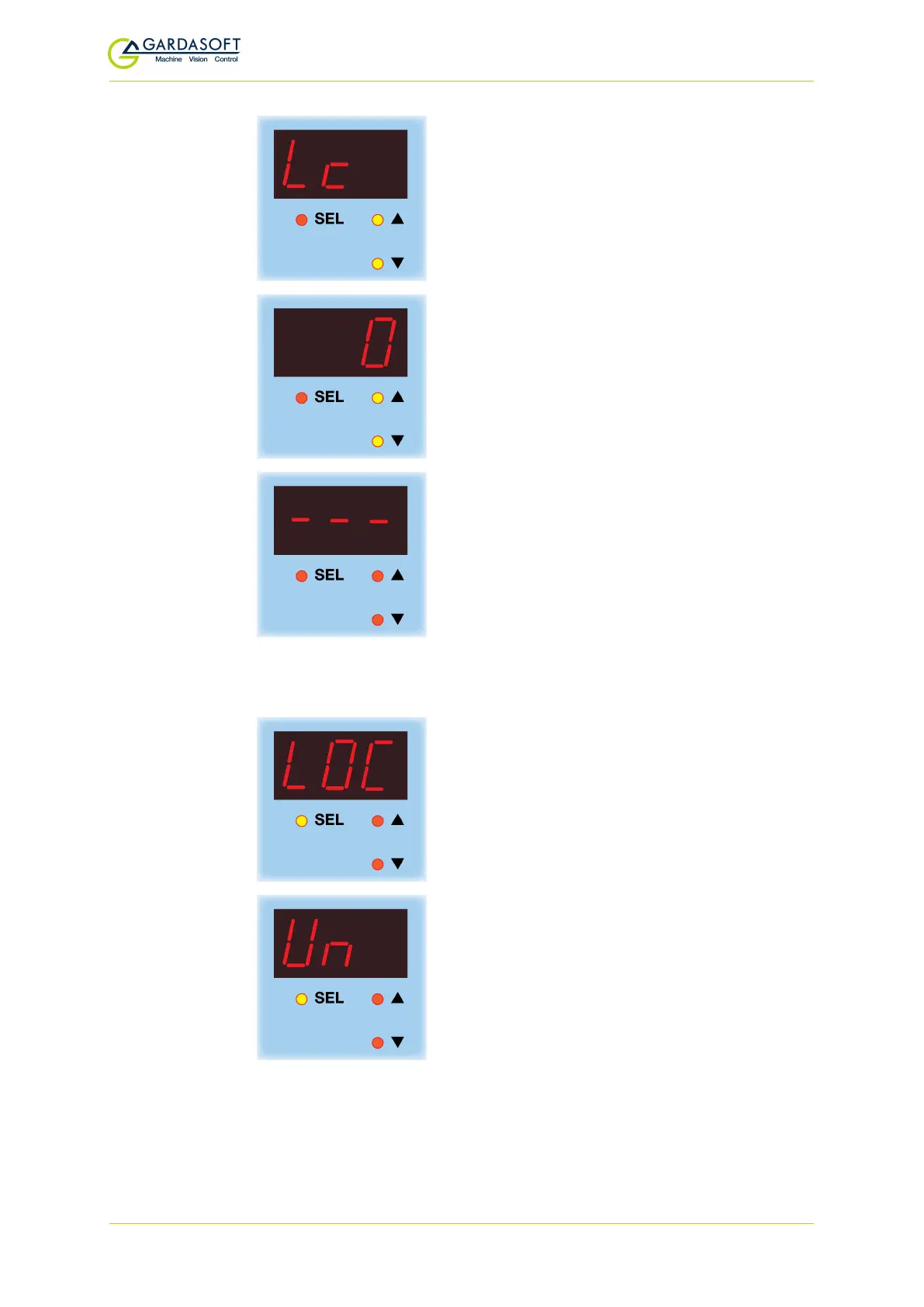
To set up the lock code, use the p and q
buttons to select
Lc
. Press the
SEL
button.
0
is displayed. Use the
p
and
q
buttons to
set a lock code value from 0 to 255, and press
the
SEL
button.
The RT200 keypad is locked.
To unlock the keypad, press and hold SELfor one second and follow
the keystrokes below:
LOC
is displayed. Keep pressing the
SEL
button.
Un
is displayed. Press the
SEL
button.
— 47 —



 To Next Page