Page 14
System Installation
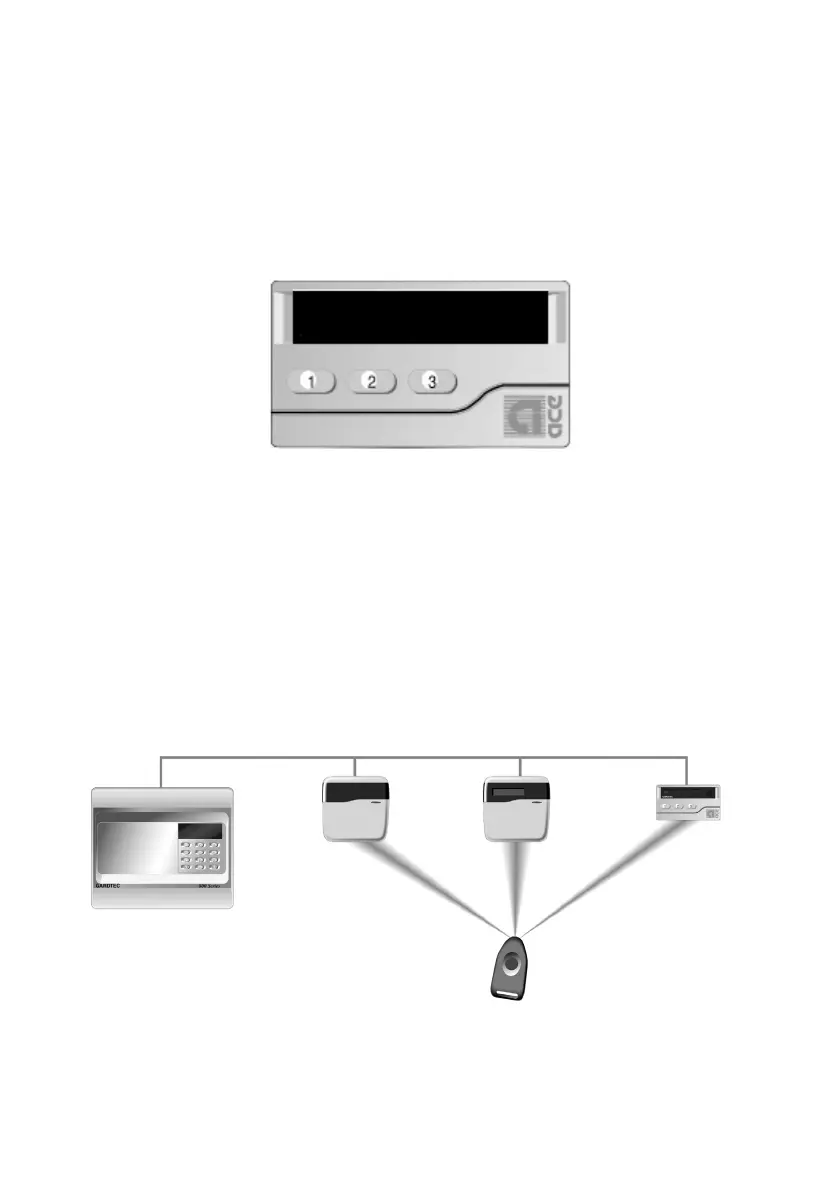
A stand alone ACE receiver is also available (max 4 per system using Multi option).
This receiver will allow for the setting, part setting, unsetting, resetting (if programmed)
and activation of alert keys 1 & 3.
To mount the ACE receiver remove the front retaining screw of the receiver that is
situated on the underside of the unit, pull the bottom edge of the cover forwards and
upwards in one movement. The PCB may now be removed by unclipping it at the
bottom edge and lifting clear of the base.
Fig 5. ACE Receiver
The base should be fixed to the wall in three positions using 30mm x No.6 screws and
suitable rawl plugs.
It should be noted that the ACE receiver may only be used as keypad ident 1 or 2.
The new Contour range of stylish remote keypads are also available for the full
GardTec 872 control panel. These keypads are designed to be fitted remote from the
main control panel and both the LED and LCD versions are available with ACE as
standard.
Fig 5a GardTec ACE
GardTec 872



 To Next Page