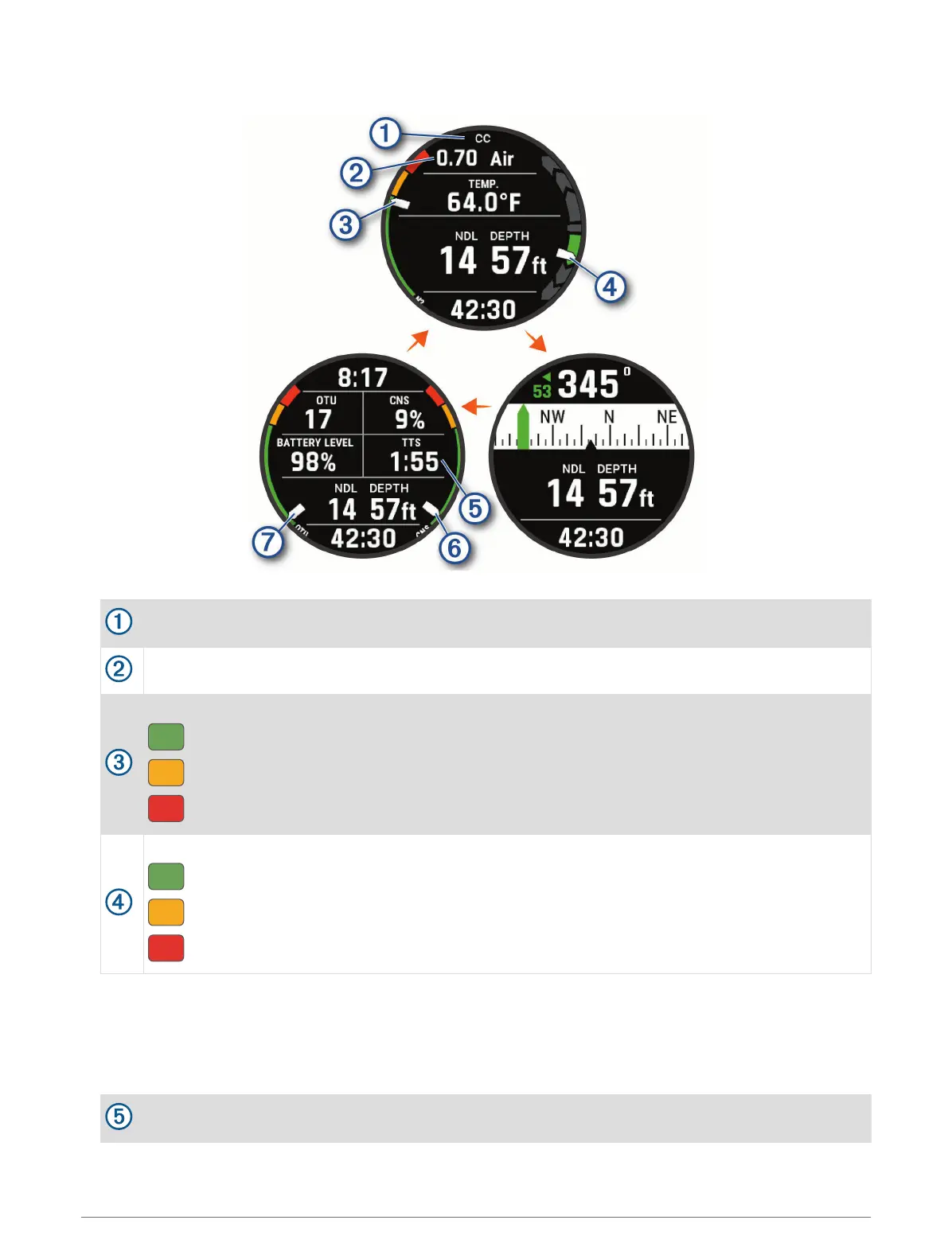
CCR Data Screens
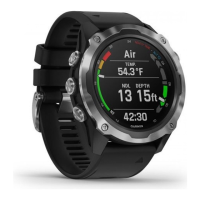
Primary data screen: Displays the main dive data, including your breathing gas and rate of ascent or decent.
Indicates whether closed-circuit (CC) or open-circuit (OC) diving is active.
Your partial pressure of oxygen (PO2) level.
Your nitrogen (N2) and helium (He) tissue load level.
Green: 0 to 79% tissue load.
Yellow: 80 to 99% tissue load.
Red: 100% or greater tissue load.
Your rate of descent or ascent.
Green: Good. Ascent is less than 7.9 m (26 ft.) per min.
Yellow: Moderately high. Ascent is between 7.9 and 10.1 m (26 and 33 ft.) per min.
Red: Too high. Ascent is greater than 10.1 m (33 ft.) per min.
Dive compass: Allows you to view the compass and set a directional heading to aid with underwater navigation
(Navigating with the Dive Compass, page 15).
Customizable data screen: Displays additional dive data and physiological information, including the time of
day and battery level. You can edit the gauges and the first five data fields (Customizing the Data Screens,
page 99).
The time to surface (TTS) decompression calculation.
12 Diving




 To Next Page