Viewing PlaysLike Distance
The "plays like" distance feature accounts for elevation changes on the course by showing the adjusted
distance to the green.
1 From the hole information screen, hold MENU.
2 Select the activity settings.
3 Select PlaysLike.
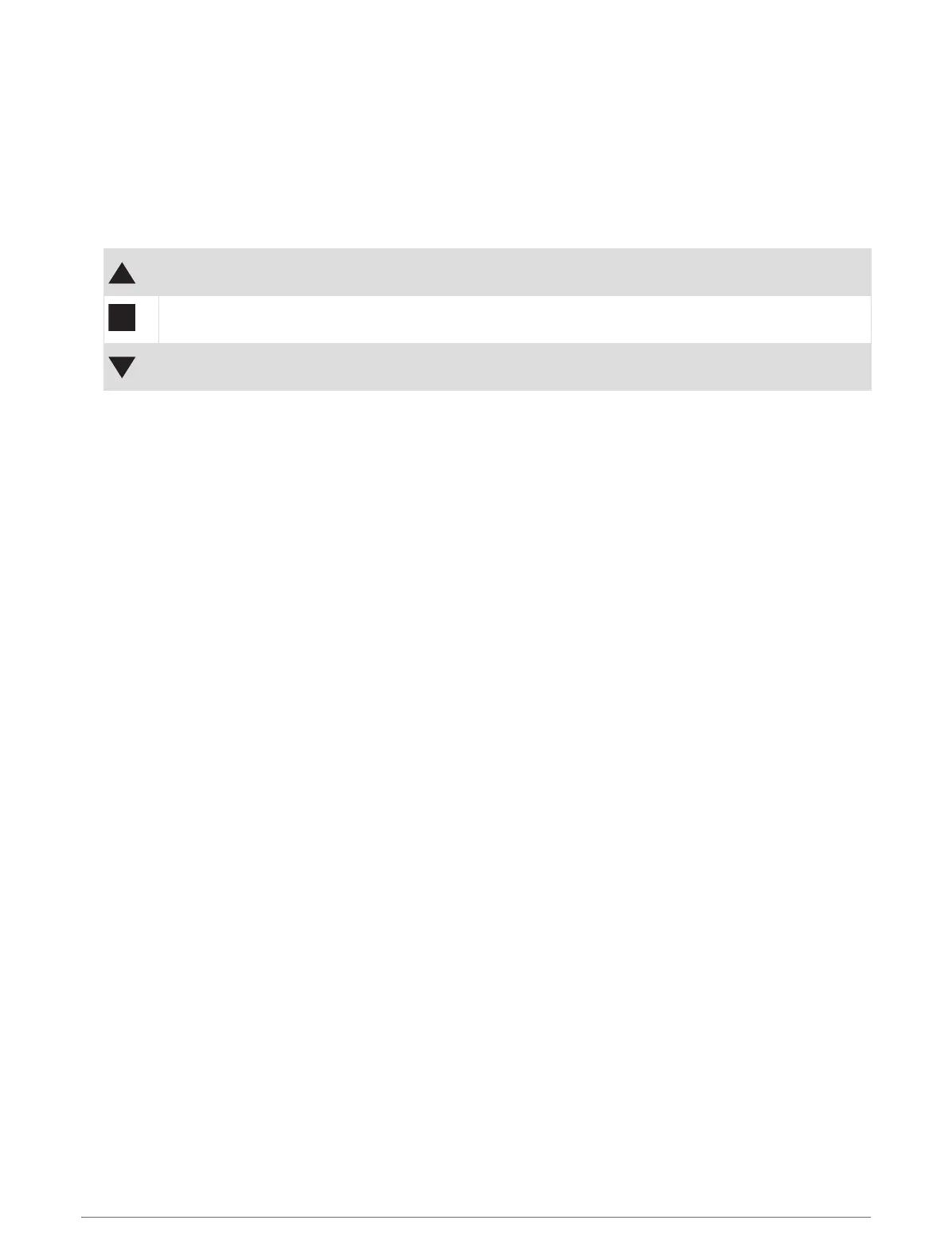
An icon appears next to each distance.
Distance plays longer than expected due to a change in elevation.
Distance plays as expected.
Distance plays shorter than expected due to a change in elevation.
Viewing the Direction to the Pin
The PinPointer feature is a compass that provides directional assistance when you are unable to see the green.
This feature can help you line up a shot even if you are in the woods or in a deep sand trap.
NOTE: Do not use the PinPointer feature while in a golf cart. Interference from the golf cart can affect the
accuracy of the compass.
1 From the hole information screen, press START.
2 Select PinPointer.
The arrow points to the pin location.
Activities and Apps 39




 To Next Page