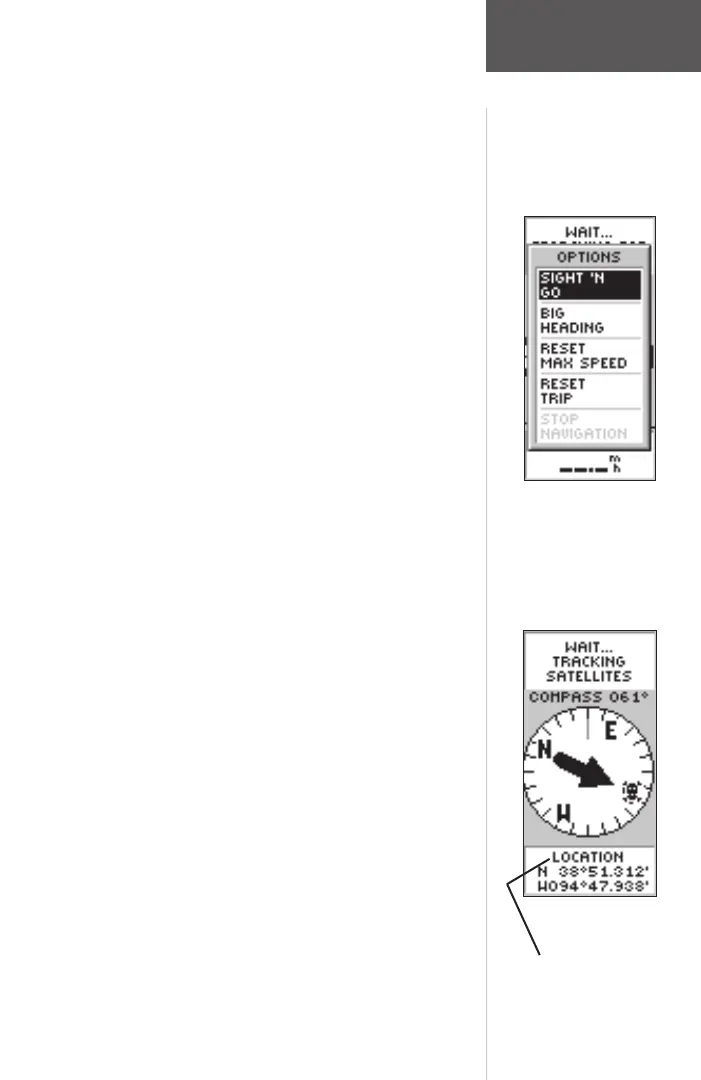
You can also change the fi elds at the bottom of the
Pointer Page to display different data:
Speed—like the speedometer in your car, ‘SPEED’
tells you how fast you are going regardless of whether
or not you are on the right track.
Average Speed—the average speed traveled since last
trip reset.
Max Speed—the maximum speed traveled since last
reset.
Bearing—the compass direction between your loca-
tion and destination.
Elevation—the measurement of height above mean
sea level.
Location—shows your current latitude and longi-
tude.
Sunrise—the time of sunrise at your present location.
Sunset—the time of sunset at your present location.
Trip Time—the total time you have traveled since the
last trip reset.
Trip Odometer—like the odometer in your car, ‘TRIP
ODOMETER’ tells you how far you’ve gone since the
last trip reset.
To change a data fi eld:
1. On the POINTER Page, press the UP or DOWN
Button and scroll through the available options, stop-
ping on the data you want the eTrex Summit to
display.
Pointer Page Options
User-Selectable Data Field
Pointer Page
Options
190-00193-00_0D.indd 02/12/01, 10:08 AM25













 To Next Page