2524
CHAPTER 4: FORERUNNER
®
220 / 620 CHAPTER 4: FORERUNNER
®
220 / 620
THIRD STEP: Back on your Smartphone
5. Your smartphone will
ask you to confirm a
passkey.
5
4.6 LIVE TRACK
1. Connect your
smartphone with your
device.
5. Enter the email ad-
dress or select a contact
from your address book,
then select Done. They
will receive an email
with a link that will
direct them to the live
session.
2. Select LiveTrack
on the home page of
Garmin Connect Mobile.
If it is the first time you
go on LiveTrack, follow
the instructions.
6. Select Start
Livetrack.
3. Name your session.
Example of a LiveTrack view.
4. Select Invite
Recipients you want to
let track you.
Let your friends and family track your activities in real time using Garmin
Connect Mobile. LiveTrack gives your loved ones peace of mind during work-
outs, while letting your fans cheer you on every step of the way on race day.
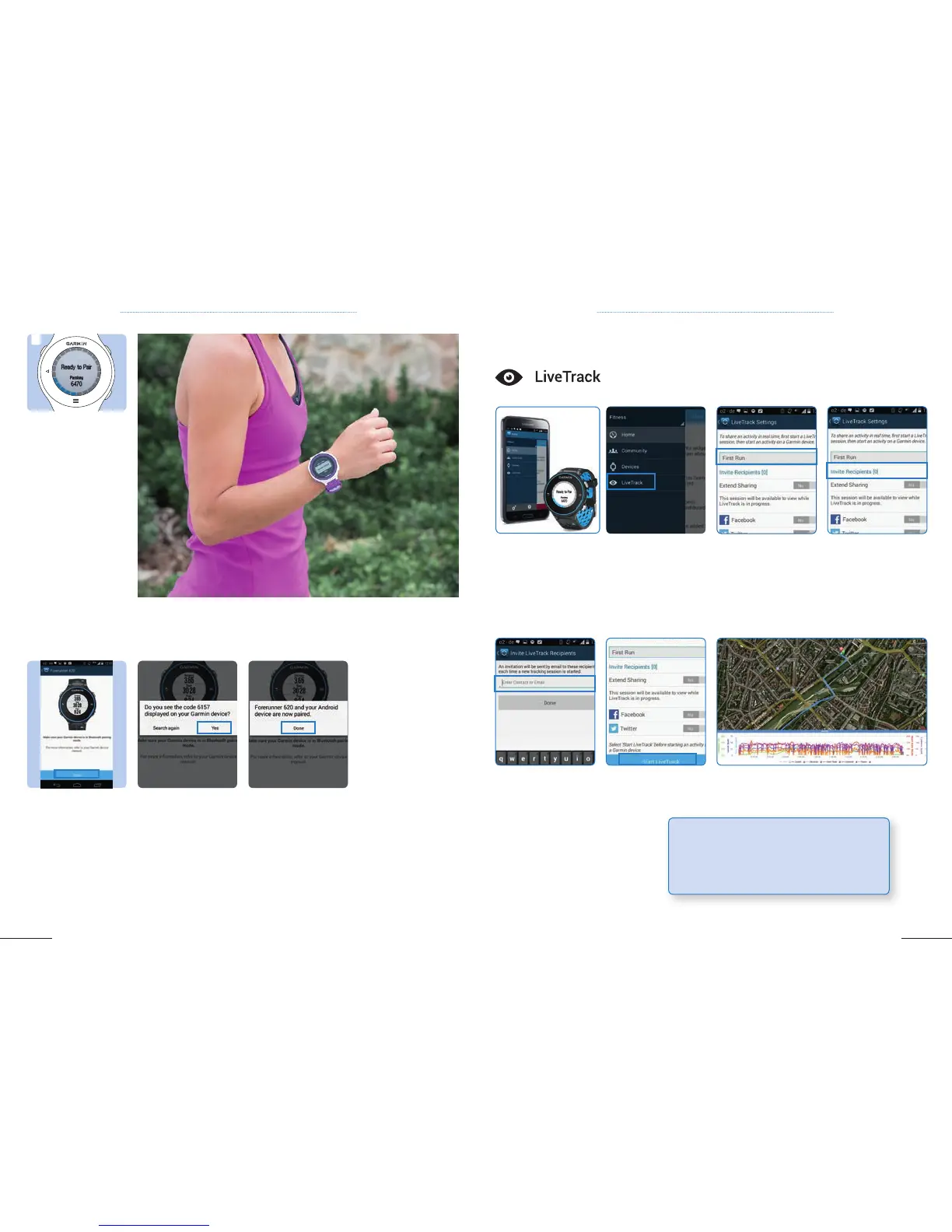
1. Once you selected
Pair Mobile Device
on your device, select
Start on your smart-
phone.
2. On the screen of
your device, a passkey is
displayed. Select Yes if
the passkey is identical.
3. Once your device and
smartphone are paired,
select Done. Your
device is now connected
to your smartphone.
TIP: Your family and your friends do not need to
download Garmin Connect to follow your activi-
ties on their computer. They will be able to follow
your Livetrack on their internet browser.



 To Next Page