A
B
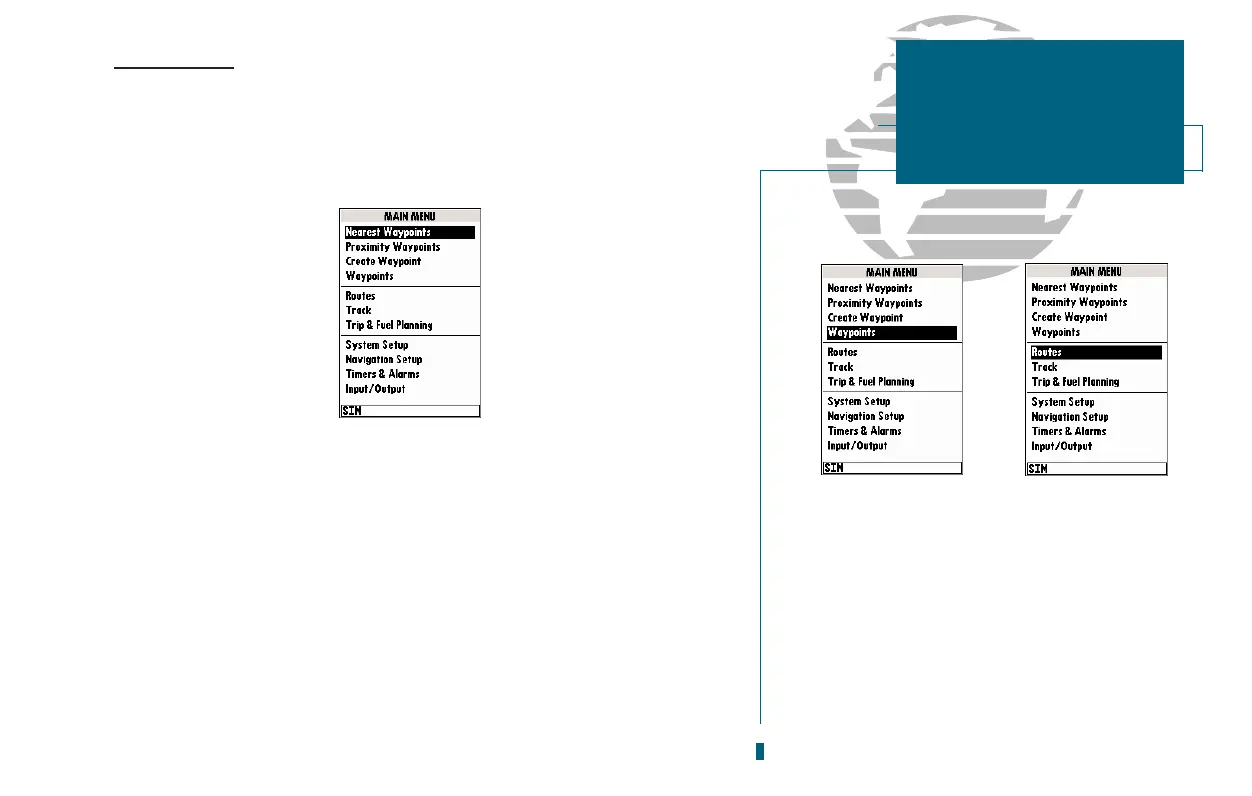
Main Menu Page
The GPSMAP 180s Main Menu Page provides access to various waypoint, sys-
tem, navigation, and interface management and setup menus. The Main Menu Page
is available from any page in the GPSMAP 180s system, and is accessed through
the
O
key.
To access the Main Menu Page:
1. Press
O
twice.
The 11 submenus are divided into categories by function.
To select a submenu from the Main Menu Page:
1. Highlight the submenu you want to view and press
T
.
For specific instructions on using a submenu, see the waypoints, route, or setup
sections of this manual.
Creating and Using Waypoints
33
A. The waypoint category options on the Menu
Page are described in the Waypoints section on
pages 34-42.
B. The routes category options are described on
pages 47-54.
SECTION
5
MAIN MENU PAGE
Overview














 To Next Page