24 GPSMAP 4000 Series Owner’s Manual
Where To?
Where
to?
5. Select an option:
Select Go To.
Select Guide To when using a preprogrammed BlueChart g2 Vision card to use automatic
guidance.
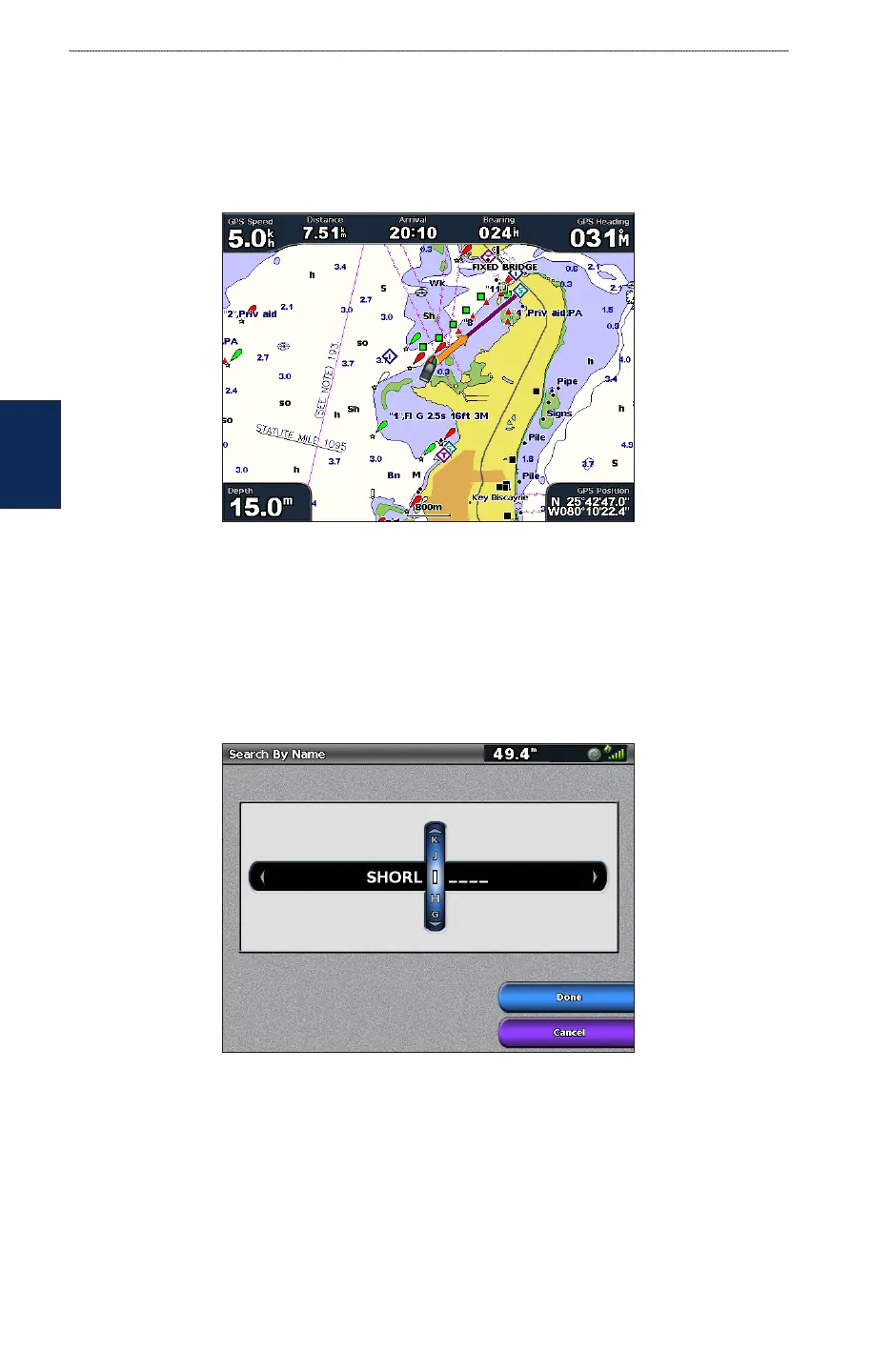
6. Follow the colored line on the screen to the destination.
To stop navigating:
1. From the chart, Select Menu.
2. Select Stop Navigation.
To search for a destination by name:
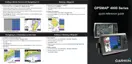
1. From the Home screen, select Where To? > Search by Name.
2. Use the Rocker or Numeric Keypad (GPSMAP 4210 or 4212 only) to select characters and
spell at least a portion of the name of your destination.
3. Select Done. The 50 nearest destinations that contain your search criteria are displayed.
4. Select the best location.
5. Select an option:
Select Navigate To > Go To.
Select Route To.
Select Guide To when using a preprogrammed BlueChart g2 Vision card.
•
•
•
•
•













 To Next Page