60 GPSMAP 4000 Series Owner’s Manual
Using XM
USinG Xm
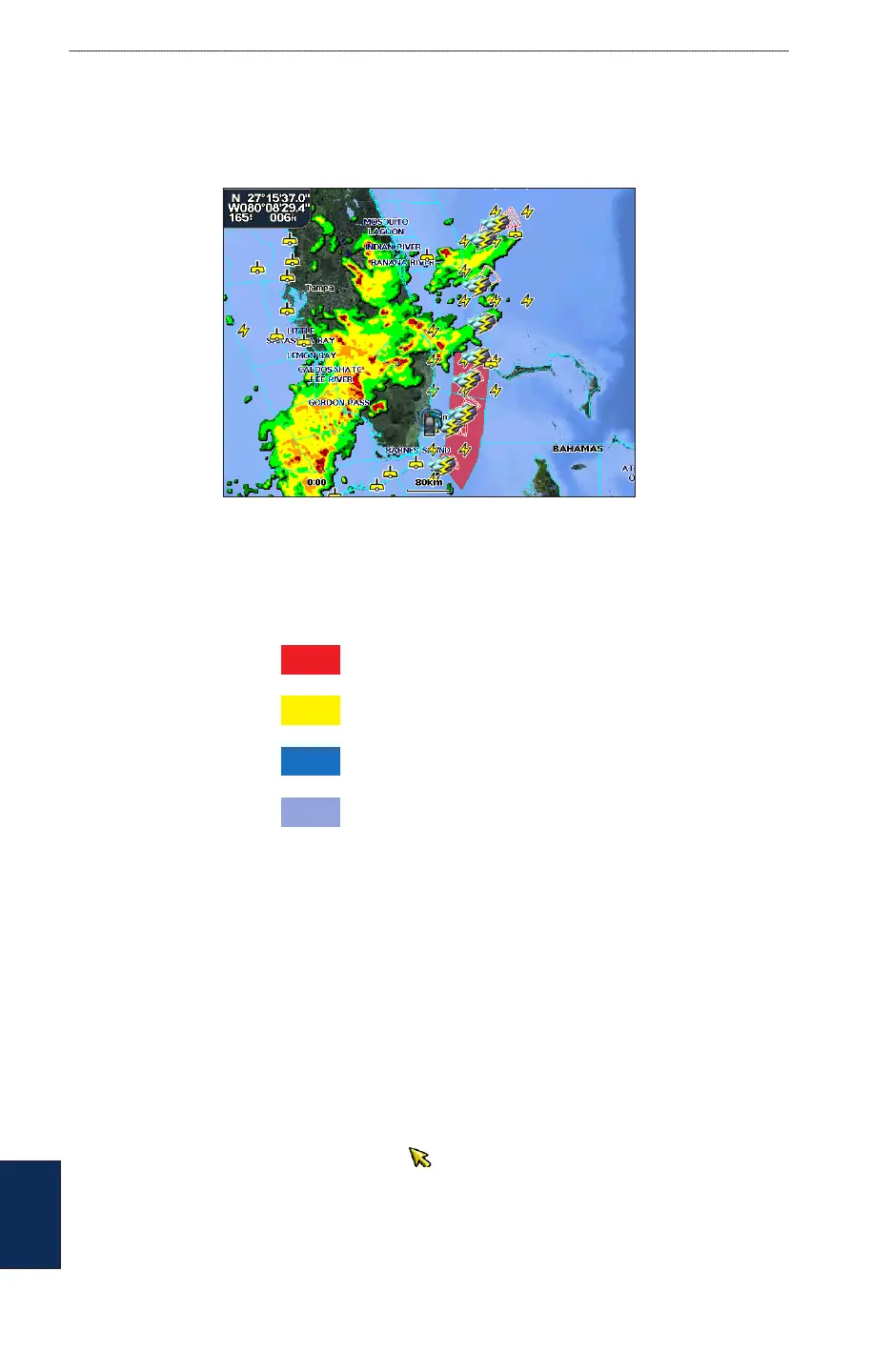
Understanding Marine Warnings
When a Marine Warning is issued, the area for the warning is highlighted in red. To view
information about the warning, select the warning area. The light blue lines on the chart indicate
marine weather warning zones.
Understanding County Warnings
When the National Weather Service issues a weather warning for a county, the county is highlighted
with the color corresponding to the warning. To view information about the warning, select the
county.
Tornado Warning
Severe Thunderstorm Warning
Flood Warning
Flash Flood Warning
Viewing Forecast Information
Forecasts show the weather conditions including fronts and precipitation.
From the Home screen, select Weather > Forecast.
To view the forecast for another time period:
1. From the Home screen, select Weather > Forecast.
2. Select Next Forecast. The forecasted weather for the next 12 hours is shown.
3. Select Next Forecast again to view forecasts for the next 24, 36, and 48 hours.
To view forecast information for another location:
1. From the Home screen, select Weather > Forecast.
2. Press the Rocker and use the map pointer ( ) until the desired location appears.













 To Next Page