CHAPTER 3-Installation
Verifying Installation
DS2000-IFR Installation and Maintenance Guide
3-9
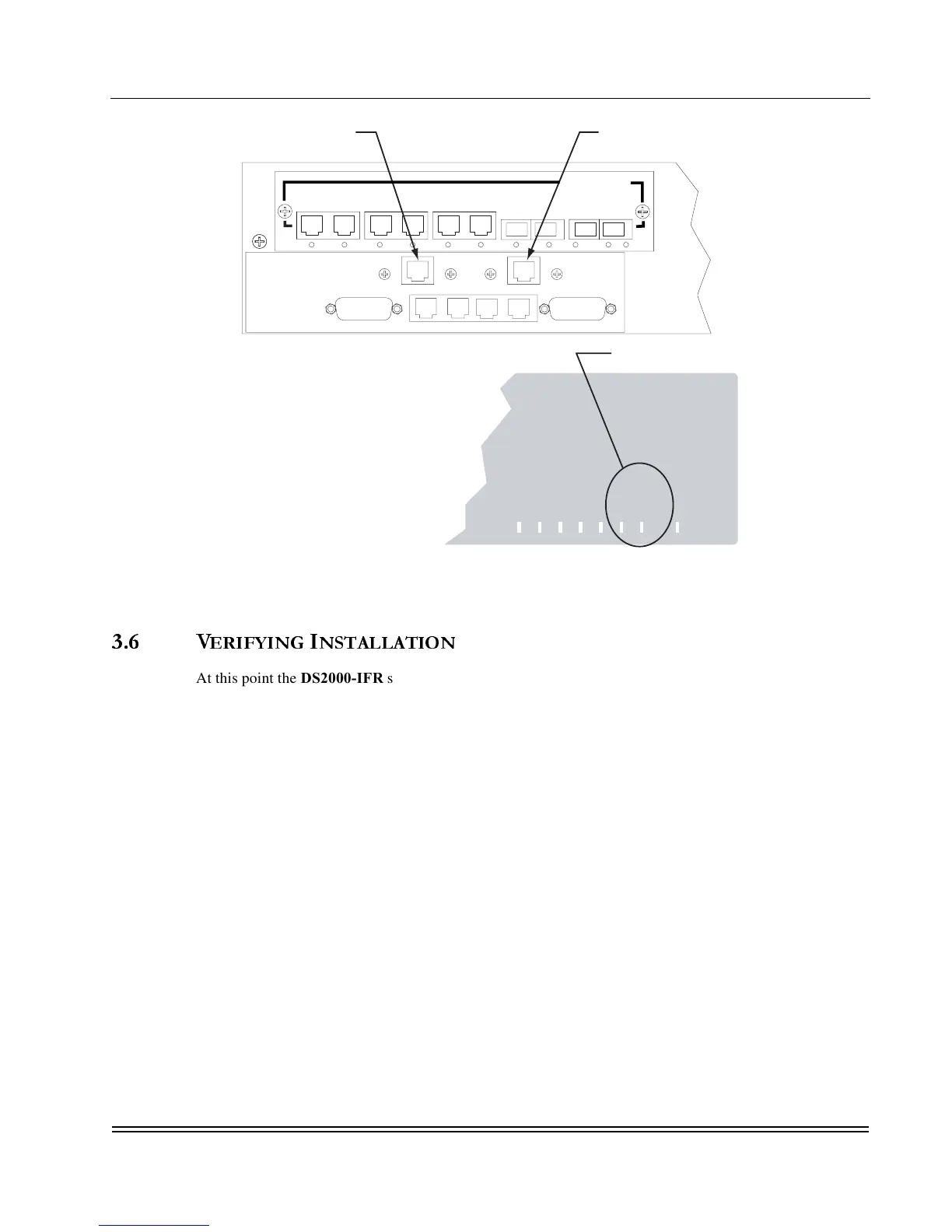
Figure 3-4. WAN Ports
3.6 V
ERIFYING
I
NSTALLATION
At this point the DS2000-IFR should be completely installed in a rack or other suitable mounting location,
power has been applied, all external network connections have been made, and the system is ready to be
configured for data traffic. The instructions to configure the DS2000-IFR are found in the DS2000-IFR
Administrator’sGuideincluded on CD-ROM. Configuring the system requires a complete mapping of the
network to be configured, alias names, WAN information, and a terminal to connect to the DS2000-IFR.
Refer to the DS2000-IFR Administrator’sGuidefor instructions to perform the configuration requirements.
Ethernet
Auxiliary 1
Auxiliary 2
Sync/Async
Async
HS WAN 1
HS WAN 2
System
Made in USA
Front Panel LEDs
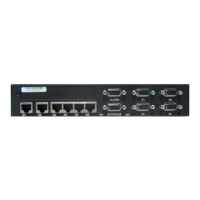
Rear Panel
WAN LEDs
W1
W2
Ethernet
RS232(DEBUG) E0 AUX1 S0
CON AUX 2
W1
W2



 To Next Page