18
1. Toggle the button to the mode.
2. Turn on the LCD monitor by pressing the button.
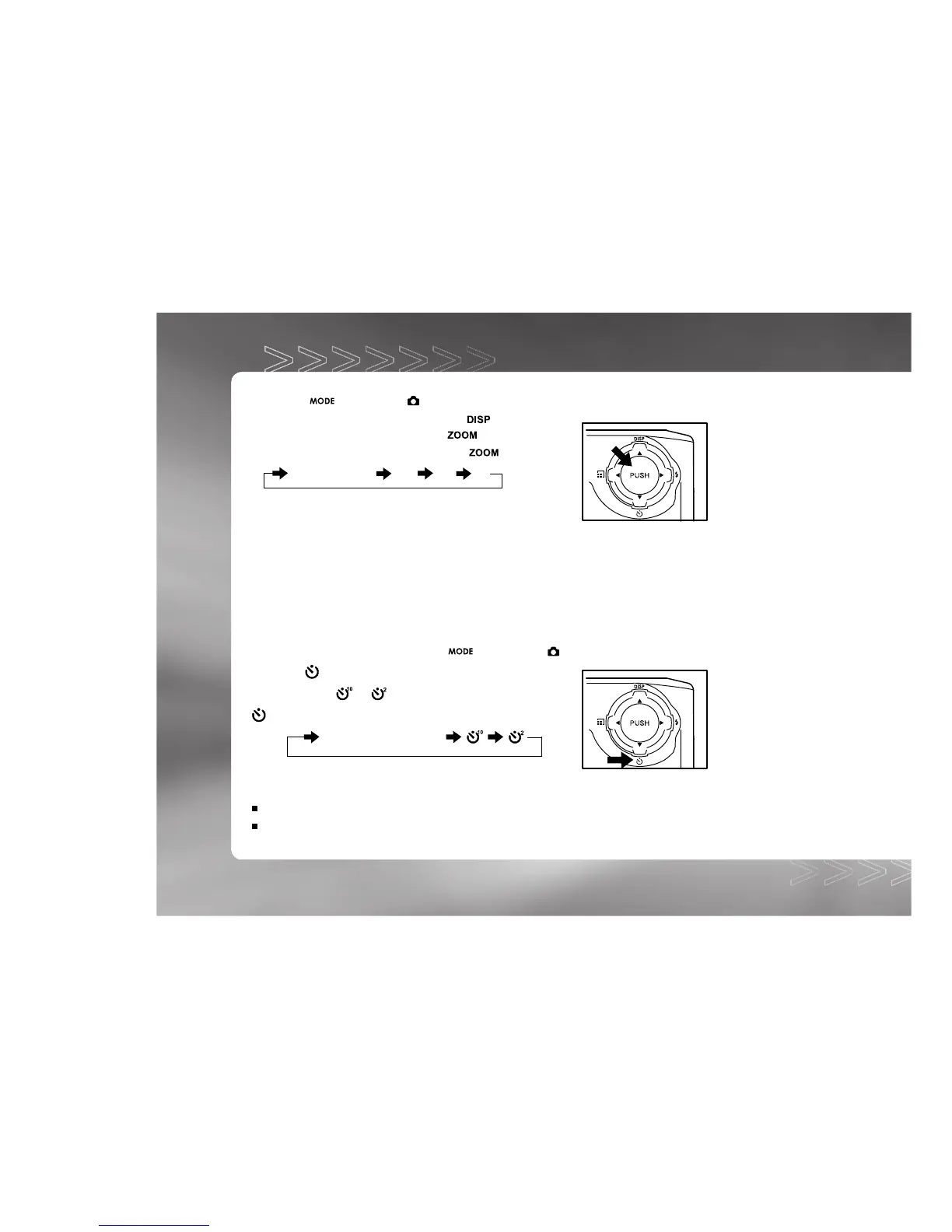
3. To enable the digital zoom, press the button.
You may select 2X/3X/4X by toggling the button.
Normal display 2X 3X 4X
4. Press the shutter button to capture a "zoomed" image.
Self-Timer Photography
When the self-timer is used, the camera automatically takes a picture after 10 or 2 seconds.
This allows you to get into the scene when taking group images.
1. Secure the camera to a tripod or place it on a stable surface.
2. Power on the camera, and toggle the button to the mode.
3. Press the
button.
You may select or self-timer mode by toggling the
button.
[No display]Setting off
4. Compose the scene.
5. Press the shutter button.
The self-timer function is activated.
The photograph is then taken after the preset time.
IM±Æª©GAT.p65 92/7/30, ¤W¤È 09:4618



 To Next Page