28
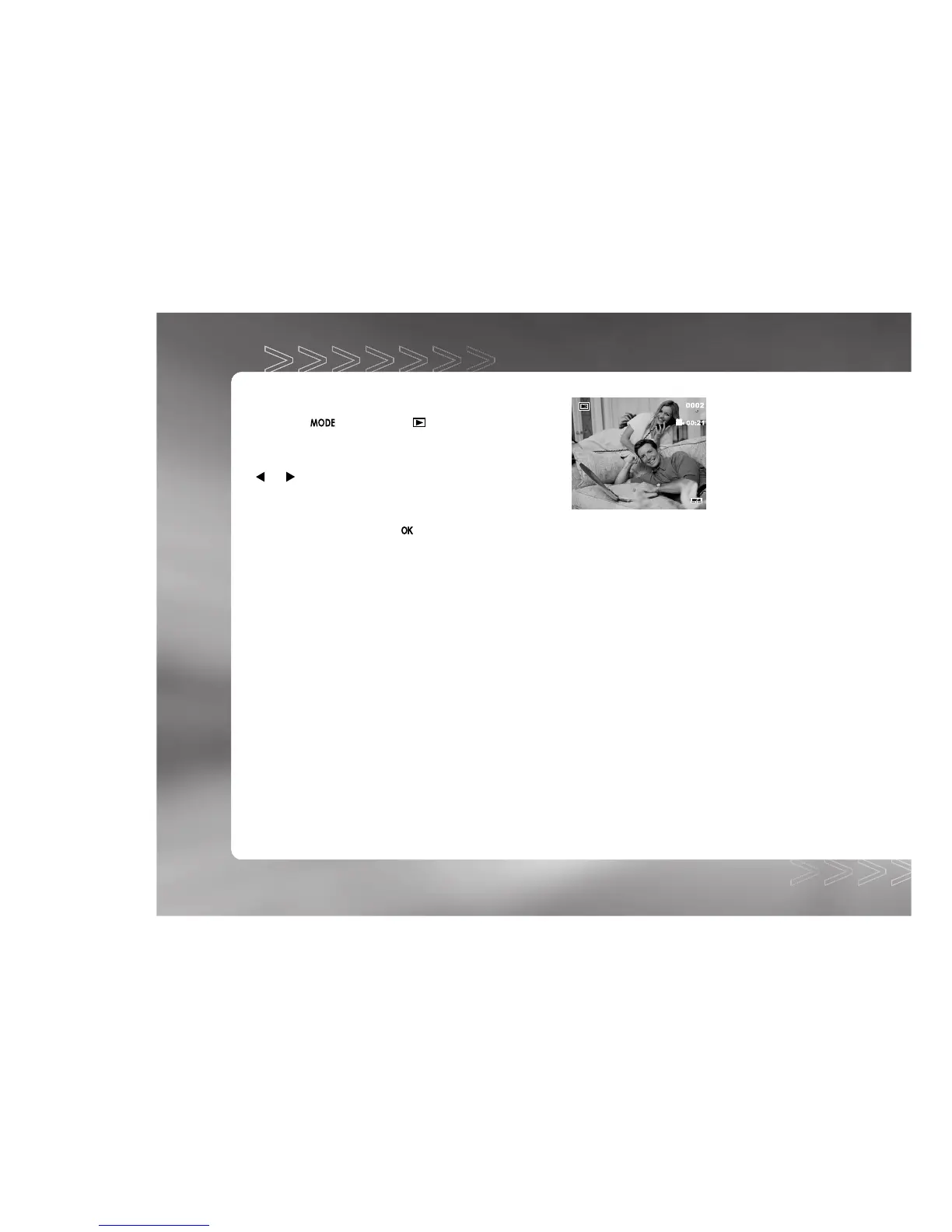
Viewing Video Clips
To view the recorded video clips, follow the steps below:
1. Toggle the button to the mode with the
camera powered on.
2. Select the video clip that you want to view by using the
or button.
3. Press the shutter button to start.
To pause playback at any time, press the shutter button again.
To stop playback, press the button.
IM±Æª©GAT.p65 92/7/30, ¤W¤È 09:4828



 To Next Page