20
Setting the Flash
The flash is designed to function automatically when lighting conditions warrant the use of the
flash. You can take an image using a flash mode suitable to your circumstances. If you change
the flash mode, the camera will retain that setting even if the camera is turned off.
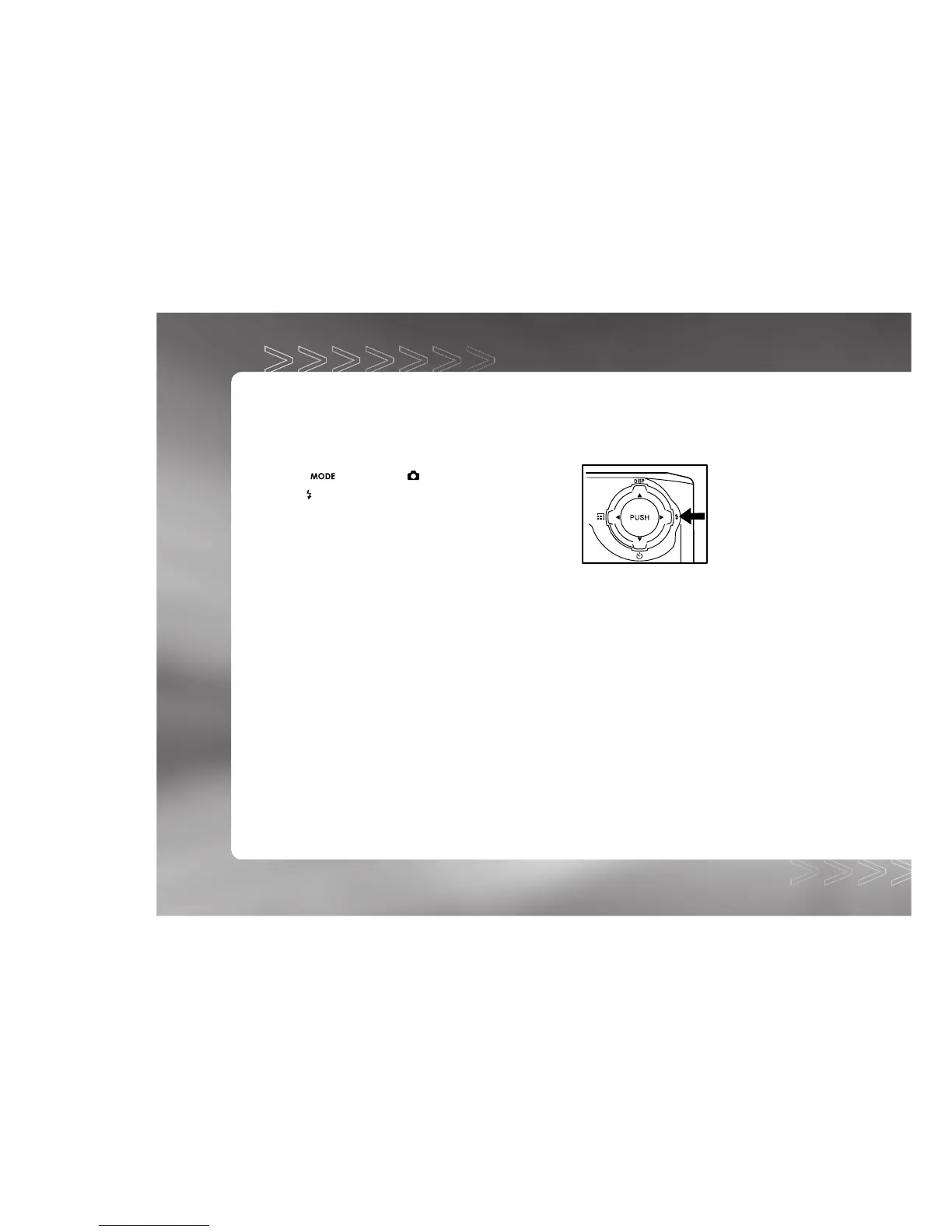
1. Toggle the button to the
mode.
2. Press the
button repeatedly until your desired flash
mode appears on the LCD monitor.
3. Compose the image and press the shutter button.
IM±Æª©GAT.p65 92/7/30, ¤W¤È 09:4620



 To Next Page